
Maintain million-line codebases in the terminal
Use persistent memory and a 1M-token context to handle large projects without repeatedly copying and pasting historical code
Best for:Backend/full-stack developers
Coding / Developer
Xiaomi's open-source terminal AI coding agent, supporting cross-session persistent memory and long-task handling by saving state through files.
Website created
2003-07-22
OpenRouter token usage rank
#54
Sources: OpenRouter
Monthly unique visitors
5.146M
Sources: SimilarWeb
Coding Plan
Coding Pro model discounts
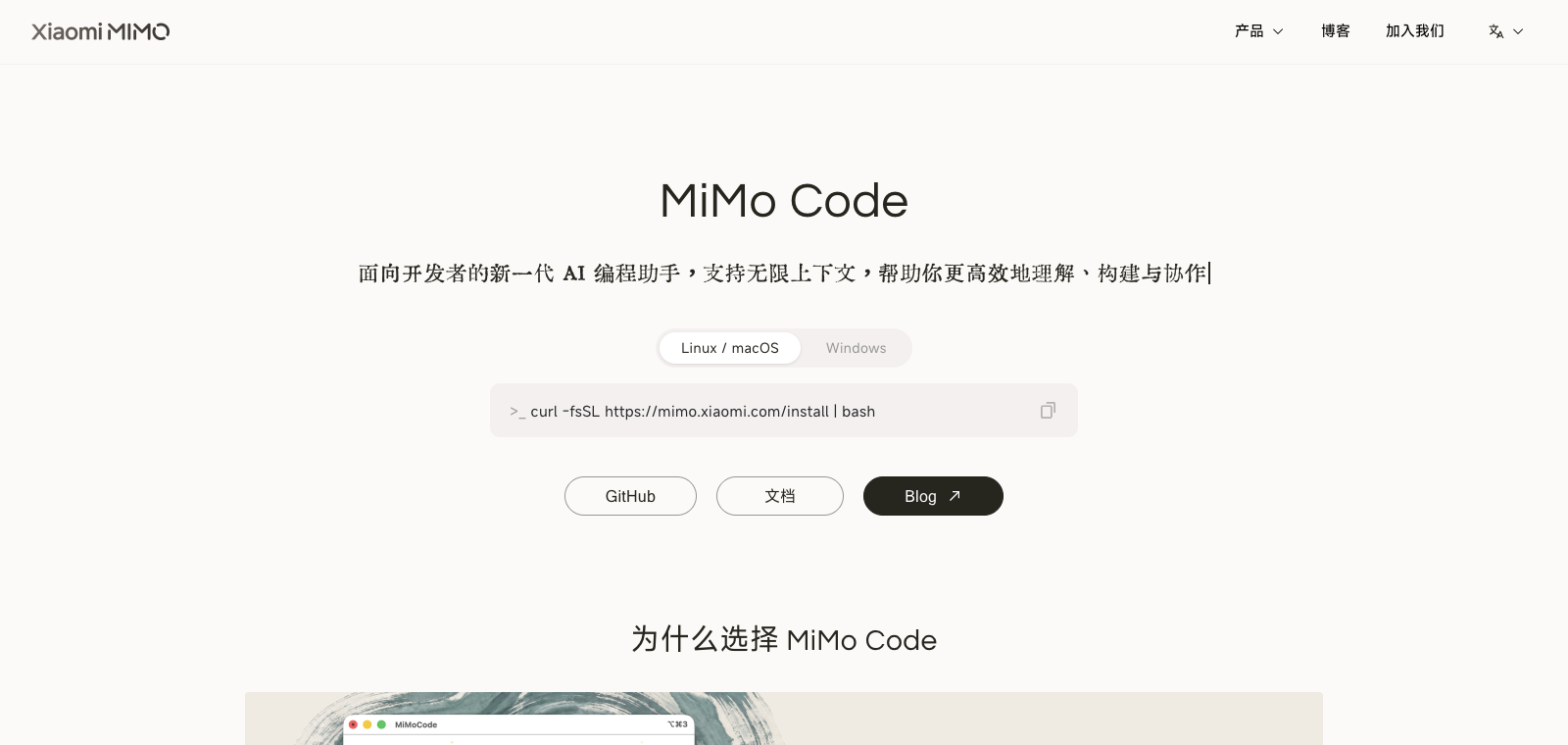
MiMo Code is positioned as a command-line tool that runs directly in the terminal after installation, developed from an OpenCode fork under the MIT license. Users start the agent by specifying a goal or mode, and it automatically generates a plan, executes code, runs tests for verification, and saves progress to local files for later recovery. Core features include a multi-agent collaboration mode, a goal-loop mechanism, and compatibility with Claude Code, allowing it to load existing configurations directly. It is suited to developers who already work in terminal-based workflows and need to handle tasks spanning hundreds of steps; compared with IDE-style tools, it focuses more on headless, file-driven continuous execution.
One-line summary
Xiaomi's open-source terminal AI coding agent, supporting cross-session persistent memory and long-task handling by saving state through files.
What people use it for
After the user enters a command in the terminal, it takes over planning, writing, and iterating on the codebase; if interrupted, it writes the current state to a file and continues the remaining steps the next time it starts.
Best for
Developers, engineering teams, and technical leads
How it works
It typically runs in a project environment, IDE, or terminal, completing development tasks by reading context, executing commands, and modifying files.
Product type
CLI Agent
Pricing
Unknown
The current enhanced batch dataset does not maintain live pricing for this product. Please refer to the official website or official documentation.
APIMaster integration
Supported
Run /connect in MiMo Code, or edit the configuration file / auth file
Data confidence
Medium
Last verified: 2026-09-02
Runs directly inside the terminal, supporting interactive mode by launching `mimo` from the command line
Uses SQLite to store session history, enabling cross-session knowledge accumulation and context retention
Supports /dream to save session knowledge to long-term memory, /distill to turn repeated operations into reusable skills, and /goal to use an independent verifier to determine task completion
Executes the Specs → Plans → Build → Report workflow, writing specifications before generating code
Automatically loads existing skills, MCP servers, and command configuration, allowing migration without extra setup
Supports automatically splitting scripts into git worktrees for parallel execution
Use persistent memory and a 1M-token context to handle large projects without repeatedly copying and pasting historical code
Best for:Backend/full-stack developers
After running similar tasks multiple times, execute the /distill command to automatically extract and save them as new skills for direct reuse later
Best for:Senior developers
After installation, it automatically reads existing skills and configuration so you can continue using the same workflow
Best for:Claude Code users
Use MiMo-V2.5-ASR for direct voice input of requirements to generate code or execute commands
Best for:Developers who prefer voice input
Base URL
https://apimaster.ai/v1API key environment variable
apiKey(provider options / 独立 auth 文件)Model
gpt-5.4 or claude-sonnet-4-6 or Your APIMaster model IDDiscussion summary
Users generally understand mimocode as Xiaomi's open-source terminal AI coding agent with support for cross-session memory and Git integration. Discussion focuses on how to access the free mode, the installation and configuration flow, and real-world comparisons with tools such as Claude Code. Users also pay attention to its autonomous execution ability on long tasks and the limitations introduced by cloud dependency.
Users often share one-click installation commands, steps for selecting the free MiMo Auto model, and mode selection during first run.
Users discuss how the SQLite memory mechanism performs across multi-round development and whether it can effectively avoid context loss.
Users compare its performance on long tasks, code editing, and Git operations, and share results from real workflow testing.
Users pay attention to whether code is sent to Xiaomi servers, how long free usage lasts, and the possibility of future paid plans.
Users discuss the risks of the agent directly running local commands, as well as privacy and permission management concerns.
We currently classify it under "Programming / Developer," and the page description is based on public information from the official website and sources such as OpenRouter.
The enhanced mimocode page prioritizes displaying the core tasks and use cases that have already been collected, helping you quickly judge whether it matches your current needs.
The current information has confirmed that the product supports third-party keys or custom compatible endpoints, so you can proceed directly according to the configuration instructions on the page.
Also in the Programming / Developer category, suitable for side-by-side comparison of different task entry points and product formats.
Also in the Programming / Developer category, suitable for side-by-side comparison of different task entry points and product formats.
Also in the Programming / Developer category, suitable for side-by-side comparison of different task entry points and product formats.
Sources:Official websiteGitHub
Last verified: 2026-09-02 · Report a correction