
Project architecture planning
Enter requirements in Architect mode and let the agent produce system design and module breakdowns
Best for:Full-stack developers
Coding / Developer
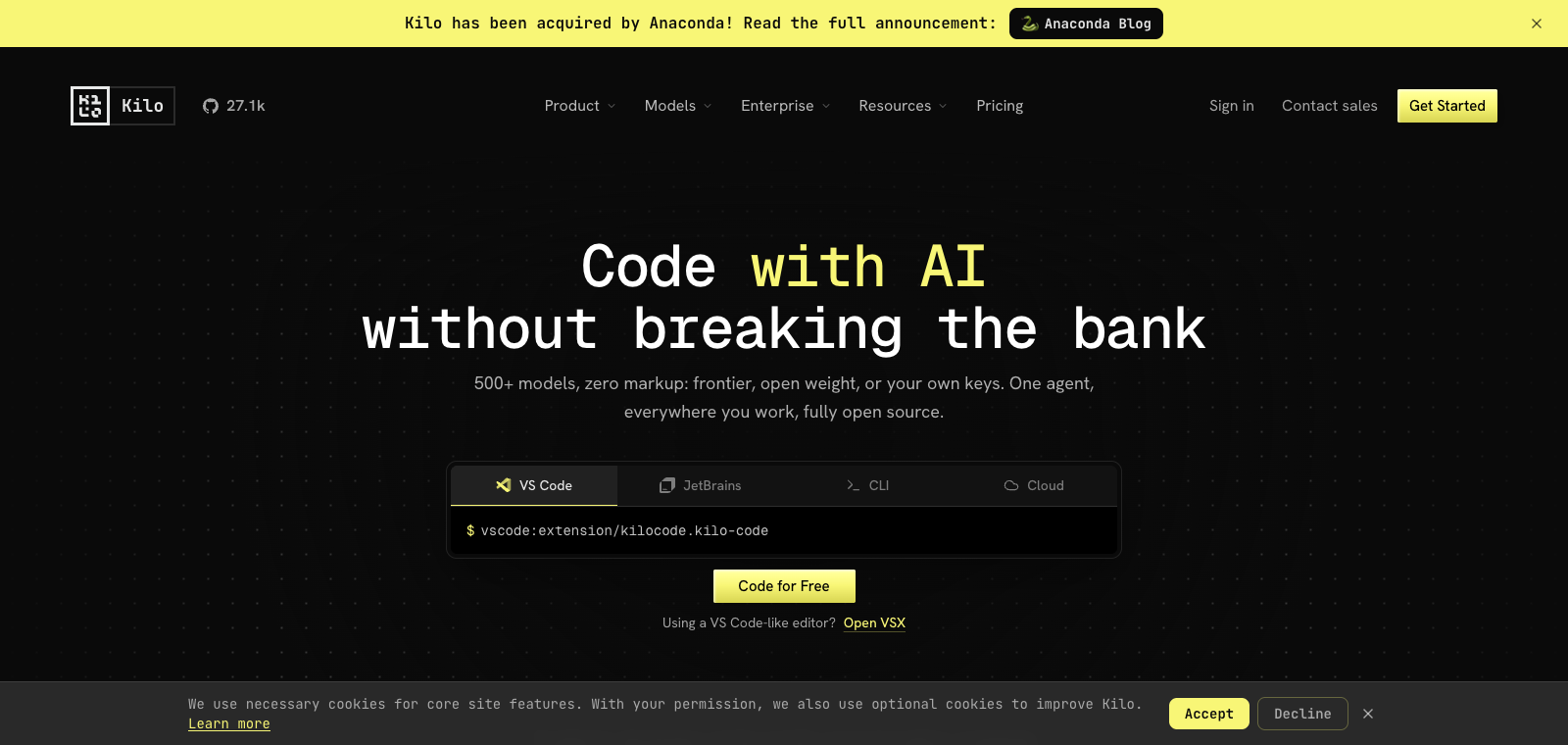
Kilo Code is an MIT-licensed open-source AI coding agent that can be installed in VS Code, JetBrains, and the terminal, supporting connections to more than 500 models with no extra fees.
Website created
2025-03-05
OpenRouter token usage rank
#5
Sources: OpenRouter
Monthly unique visitors
1,519
Sources: SimilarWeb
Coding Plan
Coding Pro model discounts
Kilo Code is positioned as a self-hostable, locally run AI coding tool that integrates into existing IDE workflows through extensions. It provides multiple dedicated modes such as Architect, Debug, Code, Ask, and Orchestrator, allowing the corresponding agent to handle tasks at different stages. Its core strengths are support for switching between any models freely, including local Ollama, keeping code from being uploaded or used for training, while remaining fully open source and modifiable. It is well suited for programmers and teams already developing in environments such as VS Code who want to avoid lock-in to a single vendor. Compared with closed-source editors such as Cursor, it places more emphasis on model flexibility and local control.
One-line summary
Kilo Code is an MIT-licensed open-source AI coding agent that can be installed in VS Code, JetBrains, and the terminal, supporting connections to more than 500 models with no extra fees.
What people use it for
Users enter prompts in VS Code, and agents in different modes sequentially plan, write, debug code, and generate documentation; it is also used to switch between different models to test how they perform on the same task.
Best for
Developers, engineering teams, and technical leads
How it works
It typically starts by reading context in the IDE, terminal, or project environment, then the Agent plans steps, executes commands or modifies files, and the user reviews the results.
Product type
Model Gateway / Routing Tool
Pricing
Unknown
The current enhanced bulk dataset does not maintain real-time pricing for this product. Please refer to the official website or official documentation.
APIMaster integration
Supported
Kilo Settings → Providers → Custom provider, or edit kilo.json directly
Data confidence
Medium
Last verified: 2026-09-02
You can directly switch between models such as Claude, GPT, Grok, Gemini, Kimi, and local Ollama, with no platform markup
Architect mode handles planning and design, Code mode writes code, Debug mode investigates and fixes issues, Ask mode handles questions, and Orchestrator mode coordinates multi-agent collaboration
Can be installed and used directly in VS Code, JetBrains IDEs, and command-line terminals
Supports local Ollama models, keeps code on the local machine throughout, and supports self-hosted deployment
Fully open source, with the tool itself free to use; only the models you use are billed normally
Enter requirements in Architect mode and let the agent produce system design and module breakdowns
Best for:Full-stack developers
Generate specific code files from feature descriptions in Code mode
Best for:Frontend/backend developers
Paste error logs in Debug mode and let the agent identify the issue and modify the code
Best for:Maintenance engineers
Use Orchestrator mode to have multiple agents complete planning, coding, debugging, and documentation in sequence
Best for:Independent developers
Base URL
https://apimaster.ai/v1API key environment variable
API Key(Providers 设置 / kilo.json)Model
gpt-5.4 or claude-sonnet-4-6 or Your APIMaster model IDDiscussion summary
Users commonly understand Kilo Code as an open-source AI coding agent tool that supports using hundreds of models in IDEs such as VS Code and JetBrains, including local Ollama, without charging a markup on model pricing. Discussion focuses on how to switch flexibly between different models to optimize workflows, comparisons with proprietary tools, and real-world use cases for its multiple modes such as Architect and Debug. Users also frequently share installation and configuration tips, the impact of context window size on the reasoning process, and their experience with its open-source nature and privacy protections.
Users discuss how to switch between multiple models in the same workflow based on task needs, avoiding dependence on a single ecosystem while maintaining efficiency.
Users share hands-on experience comparing performance in code generation, planning, debugging, deployment, and open-source advantages.
Users explore where each mode fits in research and design, issue investigation, and code writing, as well as how to combine them.
Users exchange installation steps in the IDE, local Ollama integration, and configuration of security features such as sandboxing.
Users discuss how different context lengths such as 64k and 128k perform during the reasoning process, and how to adjust them to avoid interruptions.
We currently classify it under the "Programming / Developer" category, and the page description is based on public information from the official website and sources such as OpenRouter.
The enhanced Kilo Code page will prioritize the core tasks and use cases we have collected, helping you quickly judge whether it matches your current needs.
Current information confirms that the product supports third-party keys or custom compatible endpoints, so you can continue validating it directly according to the configuration instructions on the page.
Also in the Programming / Developer category, suitable for side-by-side comparison of different task entry points and product formats.
Also in the Programming / Developer category, suitable for side-by-side comparison of different task entry points and product formats.
Also in the Programming / Developer category, suitable for side-by-side comparison of different task entry points and product formats.
Sources:Official websiteGitHub
Last verified: 2026-09-02 · Report a correction