
Use Goal Mode to implement new features
Describe complete feature requirements and let the system automatically plan, code, test, and verify
Best for:Full-stack developers
Coding / Developer
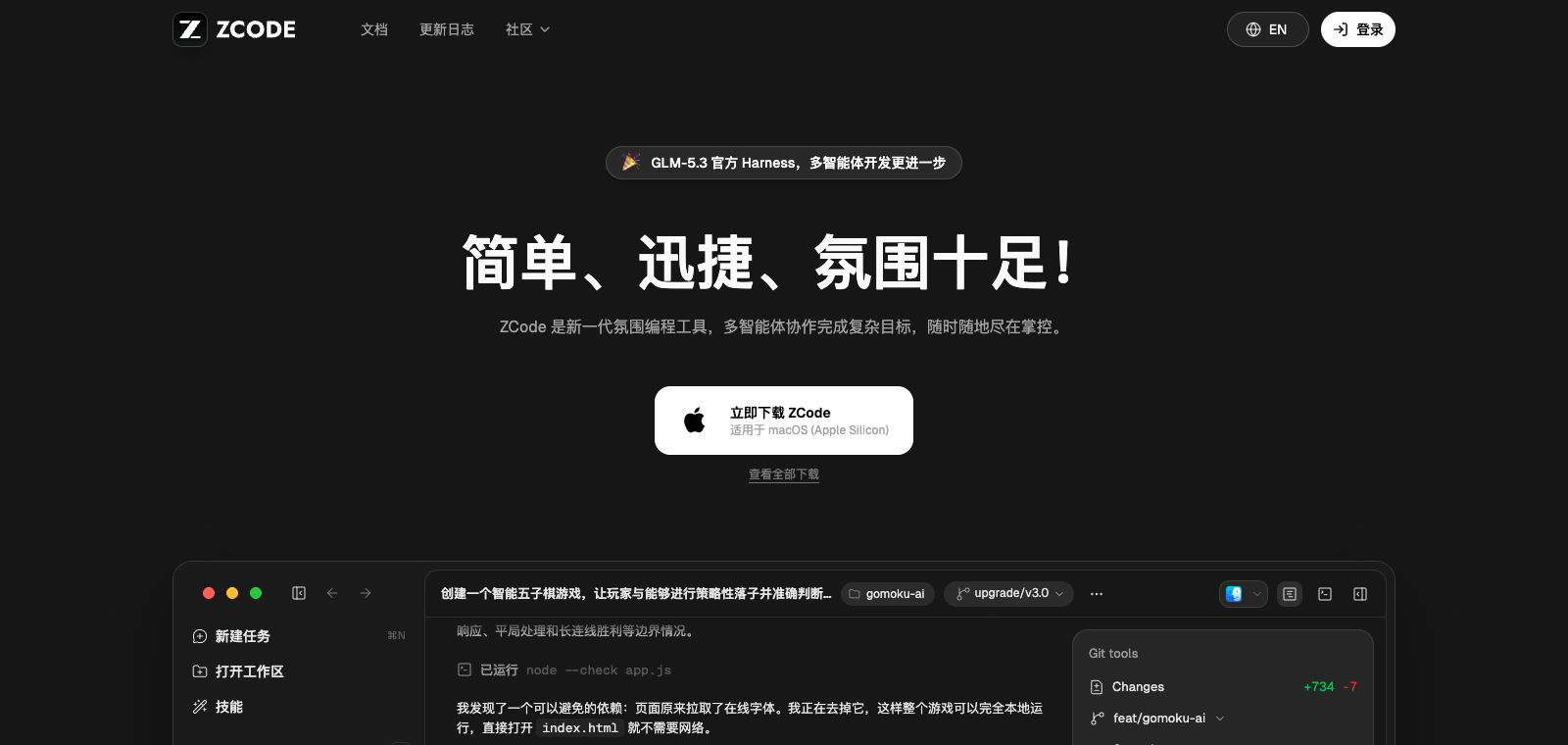
ZCode is a desktop AI coding IDE with the built-in GLM-5.2 model and 3 million free tokens per day.
Website created
2017-12-15
OpenRouter token usage rank
#19
Sources: OpenRouter
Monthly unique visitors
955,844
Sources: SimilarWeb
Coding Plan
Coding Pro model discounts
ZCode is developed by the chat.z.ai team and positioned as an AI-assisted local programming environment. It supports describing tasks through Goal Mode, then automatically planning, executing, and verifying code. Users can invoke subagents in the IDE, remotely control a phone, integrate built-in API keys, or switch to other models such as Claude and Codex. The product emphasizes high cache hit rates and low latency enabled by cache optimization, making it suitable for developers who frequently rely on AI for coding work. Compared with tools like Cursor, it lowers the barrier to use through a daily free quota while also supporting local models and multi-agent collaboration.
One-line summary
ZCode is a desktop AI coding IDE with the built-in GLM-5.2 model and 3 million free tokens per day.
What people use it for
Users use it while writing code in a local IDE to call on AI for specific feature development, or use Goal Mode to let AI automatically handle complete tasks from planning to testing.
Best for
Developers, engineering teams, and technical leads
How it works
It usually starts by reading context in the IDE, terminal, or project environment, then the Agent plans steps, executes commands or edits files, and the user reviews the results.
Product type
CLI Agent
Pricing
Unknown
The current enhanced batch dataset does not maintain real-time pricing for this product. Please refer to the official website or official documentation.
APIMaster integration
Supported
Settings / Model Provider / Connections
Data confidence
Medium
Last verified: 2026-09-02
After the user enters a task goal, it automatically generates a plan, applies code changes, and runs validation
Supports multiple subagents handling different subtasks at the same time
Built in with GLM-5.3, and can switch to Claude, Gemini, Codex, or local Ollama models
Automatically receives 3 million GLM tokens of free usage every day
Directly remotely operate a connected phone device inside the IDE
Provides a separate chat window in the IDE sidebar for interacting with AI
Describe complete feature requirements and let the system automatically plan, code, test, and verify
Best for:Full-stack developers
Switch between GLM and Claude models in the same project for code review and fixes
Best for:Backend engineers
Split large refactoring tasks among multiple subagents to execute simultaneously
Best for:Frontend developers
Operate a phone directly inside the IDE to view and debug mobile apps in real time
Best for:Mobile developers
Base URL
https://apimaster.ai/v1API key environment variable
APIMASTER_API_KEYModel
Your APIMaster model IDDiscussion summary
Users typically understand ZCode as an AI coding agent tool based on GLM models, positioned as an Agentic Development Environment that emphasizes AI agents as the core interface rather than an add-on feature. Discussion focuses on comparisons with similar products such as Cursor, Claude Code, and Codex, including interaction experience, reasoning ability, and subscription quotas. Users also repeatedly mention token consumption speed, the value for money of plans such as Lite, and its ability to handle long-running tasks in real engineering workflows. Overall, the discussion centers on how cache optimization and agent architecture improve day-to-day coding efficiency rather than one-off problems.
Users often discuss whether ZCode is better than Cursor or Claude Code in interaction experience, subscription quotas, and reasoning ability, and whether it is worth switching.
Users share how quickly tokens are used, the actual usable duration of the Lite plan, and how to extend usage through caching strategies.
Users explore how ZCode performs as an agent interface in real long-running coding tasks, and how its agent architecture compares favorably with traditional IDEs.
Users ask whether ZCode is suitable for reverse engineering or rapid prototyping, and how it can be used together with tools such as Grok CLI.
Users discuss how high cache hit rates reduce latency, and how official updates improve the overall coding experience.
We currently place it in the "Programming / Developer" category, and the page description is based on public information such as the official website and OpenRouter.
The enhanced ZCode page prioritizes the core tasks and use cases that have been collected, helping you quickly judge whether it matches your current needs.
There is currently no reliable source confirming that the product supports third-party keys or custom compatible endpoints, so the page status is shown as pending verification.
Also in the Programming / Developer category, suitable for side-by-side comparison of different task entry points and product formats.
Also in the Programming / Developer category, suitable for side-by-side comparison of different task entry points and product formats.
Also in the Programming / Developer category, suitable for side-by-side comparison of different task entry points and product formats.
Sources:Official website
Last verified: 2026-09-02 · Report a correction