
Fix GitHub Issues and submit PRs
Give the Agent an Issue link and it will inspect the code, fix the bug, run tests, and submit a PR
Best for:Open-source maintainers
Coding / Developer
OpenHands is an open-source AI software development agent platform where users can run agents through the CLI, GUI, or SDK to handle code changes and engineering tasks.
OpenRouter token usage rank
#15
Sources: OpenRouter
Monthly unique visitors
163,943
Sources: SimilarWeb
Coding Plan
Coding Pro model discounts
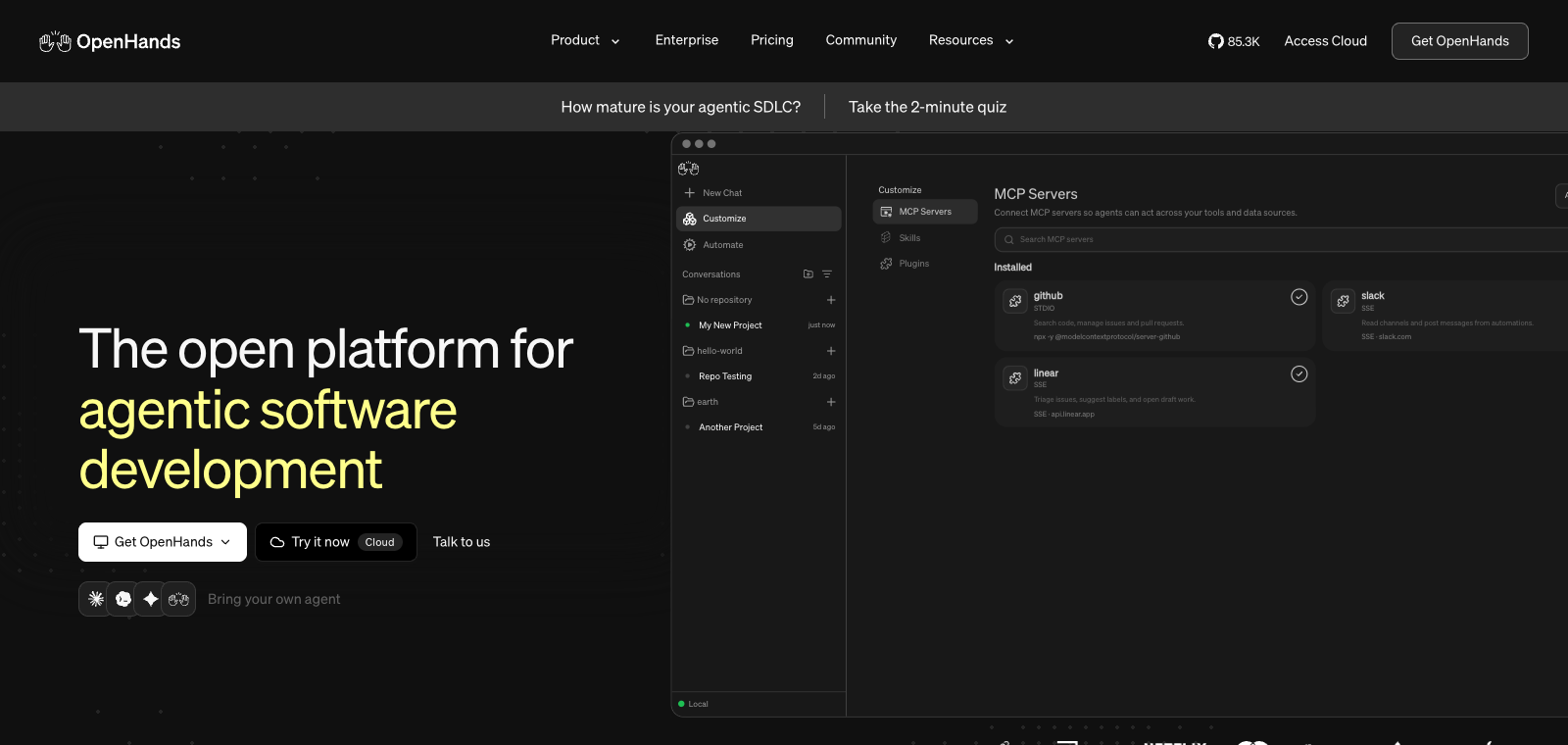
OpenHands is positioned as a self-hosted developer control center that allows users to deploy and run coding agents in local, remote, or cloud environments. It supports connecting tools such as GitHub and Slack, enabling workflows from issues to task breakdown, scheduled job handling, and report delivery. Users can bring their own models or agents, and it runs under the MIT license with support for Docker or direct installation. Compared with other agent tools, it emphasizes switching between multiple backends and integration with existing development tools rather than being limited to a single model call.
One-line summary
OpenHands is an open-source AI software development agent platform where users can run agents through the CLI, GUI, or SDK to handle code changes and engineering tasks.
What people use it for
Users use it to modify code in local repositories, run commands, and handle GitHub issues; they also use it to connect Slack or Notion to automate recurring engineering work and generate reports.
Best for
Developers, engineering teams, and technical leads
How it works
It typically starts by reading context in the IDE, terminal, or project environment, then the Agent plans steps, executes commands or modifies files, and the user reviews the results.
Product type
Desktop App
Pricing
Unknown
The current enhanced batch dataset does not maintain real-time pricing for this product. Please refer to the official website or official documentation.
APIMaster integration
Supported
OpenHands Settings → LLM → Advanced, or config.toml
Data confidence
Medium
Last verified: 2026-09-02
The Agent can execute terminal commands in an isolated Linux environment, open a browser to visit web pages, read documentation, or call APIs
Directly edit repository files, run tests, generate commits, and create Pull Requests
Supports connecting models such as Claude and GPT-4, and can run locally or through Docker deployment
After receiving a GitHub Issue, it automatically analyzes the codebase, locates the problem, and submits a fix PR
Trigger the Agent to execute tasks through the command line or GitHub Actions without a graphical interface
Give the Agent an Issue link and it will inspect the code, fix the bug, run tests, and submit a PR
Best for:Open-source maintainers
Use Chinese instructions to have the Agent perform repetitive refactoring across the entire project, such as standardizing naming or migrating frameworks
Best for:Backend engineers
After you describe the requirements, the Agent writes code in the sandbox, installs dependencies, runs tests, and generates deployment scripts
Best for:Indie developers
Trigger the Agent through Slack or API to regularly handle code review, generate reports, or update dependencies
Best for:DevOps teams
Base URL
https://apimaster.ai/v1API key environment variable
API Key(LLM 设置项) / config.toml 中 api_keyModel
openai/gpt-5.4 or openai/Your APIMaster model IDDiscussion summary
Users generally understand OpenHands as an open-source autonomous AI coding agent that can modify code, execute commands, browse the web, and call APIs like a developer, with support for running locally or in the cloud. Discussion mainly focuses on how to integrate it into real development workflows, how it differs from commercial tools, and how self-hosting can enable automated work. Users often share practical usage experience and pay attention to multi-model support and end-to-end task handling capabilities.
Users discuss multiple ways to run it, including Docker, CLI, and GUI, as well as configuration issues on local file systems or remote backends.
Users exchange information about compatibility with Claude, GPT, and local models, as well as real-world performance on benchmarks such as SWE-Bench and how to switch between them.
Users share complete workflows for having the agent handle GitHub issues, scheduled tasks, debugging, and code delivery.
Users compare the functional differences among different open-source coding agents, focusing on autonomy, integration capabilities, and suitability for real projects.
Users explore integration approaches for multi-backend switching, automated reporting, and task distribution through features such as Agent Canvas.
We currently place it in the "Programming / Developer" category, and the page description is based on public information such as the official website and OpenRouter.
The enhanced OpenHands page prioritizes the core tasks and use cases we have collected, helping you quickly judge whether it matches your current needs.
The current information already confirms that the product supports third-party keys or custom compatible endpoints, so you can continue validating it directly according to the configuration instructions on the page.
It is also in the Programming / Developer category and can be used for side-by-side comparison of task entry points and product formats.
It is also in the Programming / Developer category and can be used for side-by-side comparison of task entry points and product formats.
It is also in the Programming / Developer category and can be used for side-by-side comparison of task entry points and product formats.
Sources:Official websiteOfficial docsGitHub
Last verified: 2026-09-02 · Report a correction