
Use an AI agent in the terminal to write new feature code
After entering requirements, the file selector and editor sub-agents complete code generation
Best for:Terminal developers
Coding / Developer
Codebuff is a terminal AI coding agent that is free to use by showing text ads, with its core selling point being that it splits coding tasks across multiple specialized sub-agents such as file selection, editing, and review.
Website created
2009-11-03
Monthly unique visitors
39,246
Sources: SimilarWeb
Coding Plan
Coding Pro model discounts
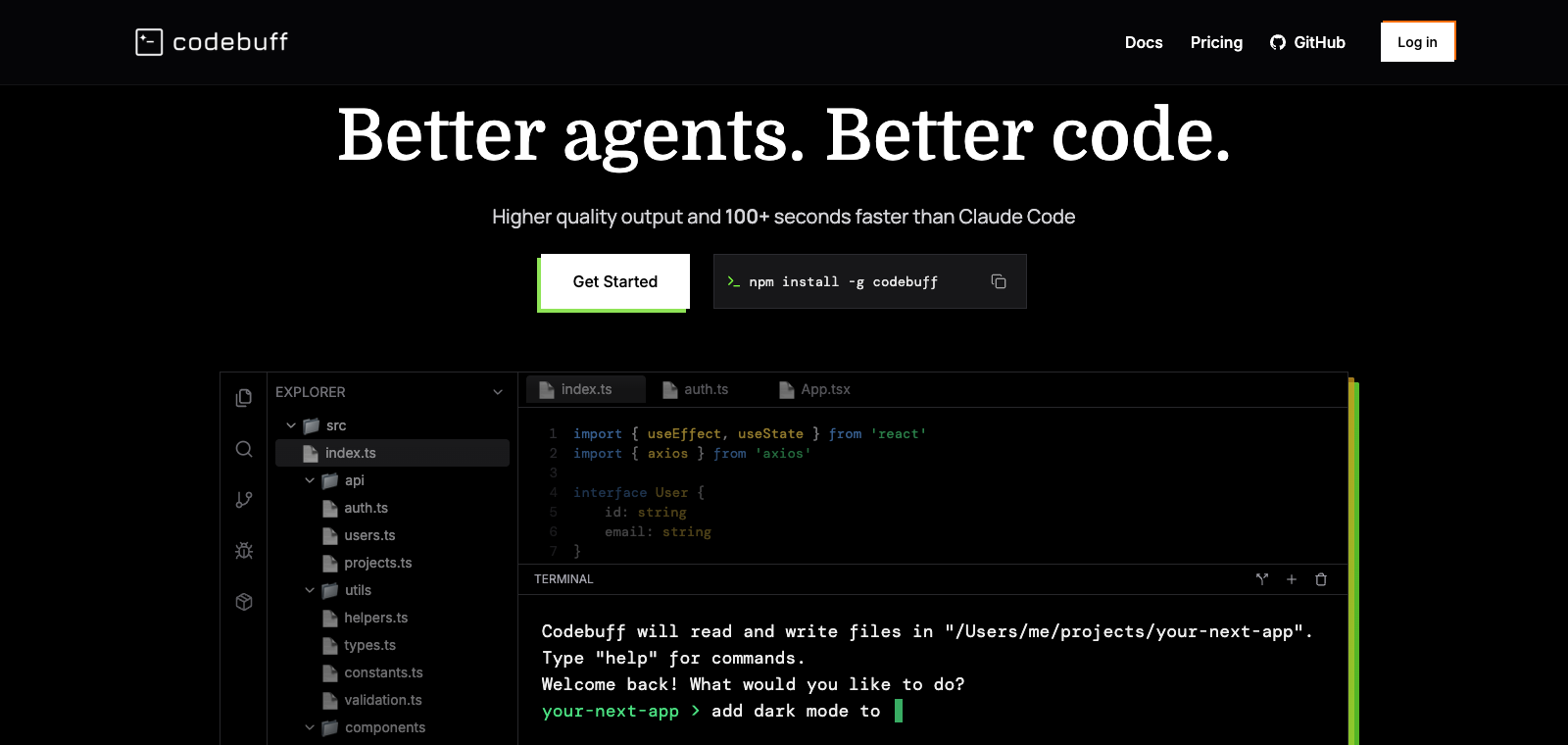
Codebuff is positioned as an AI coding agent that developers can run directly in the terminal, supporting installation via npm and connection to multiple models. Users mainly start tasks through the command-line interface, and the agent automatically calls sub-agents to divide work across file selection, code generation, and review steps. The product offers web, CLI, and desktop versions. In free mode, it can be used for several hours per day, after which ads are shown. Compared with single-agent tools, it differentiates itself through role-based task splitting and freedom of model choice, making it suitable for individual developers already using Claude Code or Codex but looking to reduce costs.
One-line summary
Codebuff is a terminal AI coding agent that is free to use by showing text ads, with its core selling point being that it splits coding tasks across multiple specialized sub-agents such as file selection, editing, and review.
What people use it for
Users use it to generate concrete feature code in Unity projects, such as weapon effects, menu interfaces, and character switching; when quotas for other paid tools run out, users switch to it to continue finishing the remaining coding tasks.
Best for
Developers, engineering teams, and technical leads
How it works
It typically starts by reading context in the IDE, terminal, or project environment, then the Agent plans steps, executes commands or modifies files, and the user checks the results.
Product type
CLI Agent
Pricing
Unknown
The current enhanced batch dataset does not maintain real-time pricing for this product. Please refer to the official website or official documentation.
APIMaster integration
Unknown
Pending verification
Data confidence
Low
Last verified: 2026-09-02
Start and operate the coding agent directly from the command line without needing a graphical interface
Roles such as file selector, best editor, and reviewer handle different steps separately
Supports switching models such as Opus 4.5 and Codex as the backend for different sub-agents
After code is generated, an independent review agent checks its quality
Uses OpenTUI for smooth rendering without interface flicker
After entering requirements, the file selector and editor sub-agents complete code generation
Best for:Terminal developers
Have a dedicated review agent perform quality review and give feedback on the output code
Best for:Developers using multiple models
Automatically identifies and loads the code files needed for the task as context
Best for:Engineers maintaining large codebases
We do not yet have reliable evidence that this product supports third-party keys, proxies, custom providers, or a custom base URL, so we do not show speculative setup steps or config values.
Discussion summary
Users generally understand Codebuff as an AI coding agent tool that runs in the terminal, emphasizing its approach of improving model performance through division of labor among multiple sub-agents. Discussion mainly focuses on how it compares with similar tools such as Claude Code and Codex, as well as its practical effectiveness in everyday coding tasks. Users also pay attention to configuration options such as free model choice and sub-agent role assignment, along with its relationship to the ad-supported Freebuff version.
Users often discuss Codebuff being more than 100 seconds faster than Claude Code on common tasks while also producing better code quality, and they also mention benchmark results of 61% vs 53%.
Users share how the 4 sub-agents such as the file selector, best editor, and reviewer divide responsibilities, and how this design outperforms single-agent tools.
Discussion focuses on combinations involving models such as Opus 4.5 and the flexibility of switching models freely in the terminal.
Users share experiences using Codebuff for coding, review, and iteration in the Bun repository or personal projects, as well as comparisons with IDEs such as Cursor.
Users mention that Codebuff is the paid version of Freebuff, and discuss the differences between the ad-supported free version and the professional version in terms of model limits and usage time.
We currently place it in the "Programming / Developer" category, and the page description is based on public materials such as the official website and OpenRouter.
The enhanced Codebuff page prioritizes displaying the core tasks and use cases that have been collected, helping you quickly judge whether it matches your current needs.
There is currently no reliable source confirming that the product supports third-party keys or custom compatible endpoints, so the page status is shown as pending verification.
It is also in the Programming / Developer category and can be used for side-by-side comparison of different task entry points and product formats.
It is also in the Programming / Developer category and can be used for side-by-side comparison of different task entry points and product formats.
It is also in the Programming / Developer category and can be used for side-by-side comparison of different task entry points and product formats.
Sources:Official websiteOfficial docsGitHub
Last verified: 2026-09-02 · Report a correction