
Security review before PR merge
Run Strix in a GitHub PR to scan code changes and generate a vulnerability report with PoCs to decide whether to merge
Best for:Development teams
Security / QA
Strix is an open-source AI security testing tool that uses a multi-agent system to run code and generate executable vulnerability PoCs.
Website created
2023-12-07
OpenRouter token usage rank
#31
Sources: OpenRouter
Monthly unique visitors
65,268
Sources: SimilarWeb
Coding Plan
Coding Pro model discounts
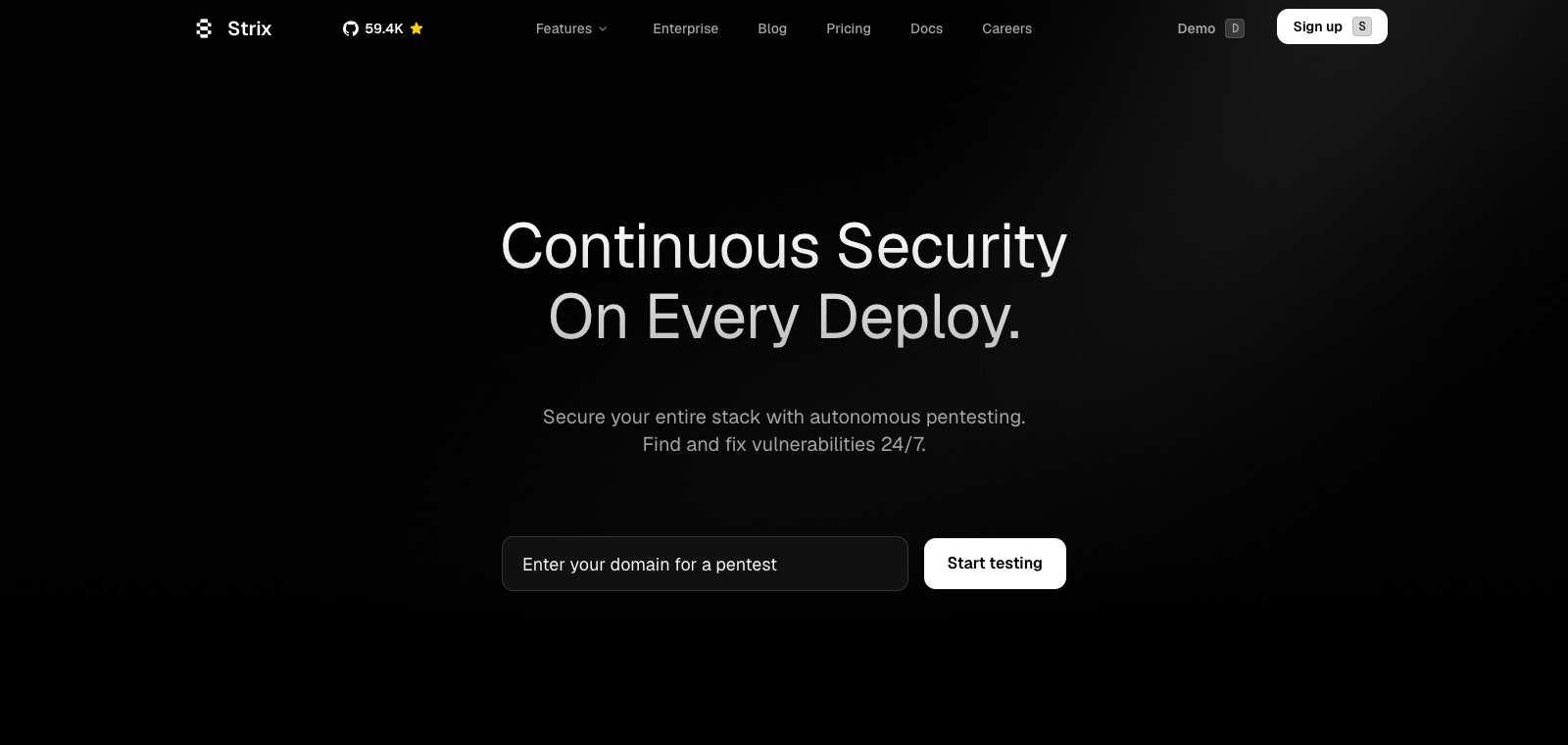
Strix is positioned as a security auditing assistant integrated into the development workflow, mainly running through the CLI or by connecting a repository via GitHub, and supports local Docker deployment. Users call it within CI/CD pipelines to perform dynamic testing on code changes or full applications. Its agents carry out information gathering, exploitation, and verification steps, then output PoCs, remediation suggestions, and PRs. Its core distinction is multi-agent collaboration and real execution-based validation rather than static scanning. It is suitable for developers and small teams without a dedicated security team, especially for use during PR review or before release. Compared with traditional tools, it turns discovered vulnerabilities directly into runnable PoCs and automatically generates patches instead of only listing potential issues.
One-line summary
Strix is an open-source AI security testing tool that uses a multi-agent system to run code and generate executable vulnerability PoCs.
What people use it for
Users point Strix at a code repository or application directory and let it automatically scan in CI/CD and generate a runnable PoC for each vulnerability; developers receive remediation suggestions as PRs and can merge them directly into the codebase.
Best for
Security teams, testing teams, and quality leaders
How it works
Users typically enter the product through the command line, browser, or self-hosted deployment, then complete work through multi-step task planning and tool invocation.
Product type
Model gateway / routing tool
Pricing
Unknown
The current enhanced batch dataset does not maintain real-time pricing for this product. Please refer to the official website or official documentation.
APIMaster integration
Supported
Provider / Proxy / API Settings
Data confidence
Medium
Last verified: 2026-09-02
Connect directly to GitHub repositories, automatically analyze code changes in each Pull Request, and detect vulnerabilities
Deploy multiple AI agents in parallel to perform reconnaissance, exploitation, and post-exploitation, validating vulnerabilities by running the application for real
Automatically write and execute runnable PoCs for discovered vulnerabilities instead of only flagging potential issues
Invoke tools such as Nmap, Nuclei, SQLMap, and Semgrep to perform asset scanning and vulnerability validation
Run in isolation inside local Docker containers so that all code and testing processes stay within the user's environment
Integrate through CLI commands into pipelines such as GitHub Actions to perform security checks on every PR and block merges
Run Strix in a GitHub PR to scan code changes and generate a vulnerability report with PoCs to decide whether to merge
Best for:Development teams
Point it at an application URL or code directory, run full dynamic testing, and output a vulnerability list with reproduction steps
Best for:Security engineers
Configure Strix scanning in GitHub Actions so each build automatically validates vulnerabilities and prevents deployments that contain them
Best for:DevOps teams
Scan an entire local or remote repository and generate a complete audit report including risk levels and remediation suggestions
Best for:Small development teams
Base URL
https://apimaster.ai/v1API key environment variable
APIMASTER_API_KEYModel
Your APIMaster model IDDiscussion summary
Users generally understand Strix as an open-source, AI-driven penetration testing tool that can dynamically run applications through autonomous agents and validate vulnerabilities. Discussion mainly focuses on how to embed it into development workflows, how it differs from traditional security scanners, and how practical it is for teams without security specialists. Users often share installation and configuration tips, how the agents collaborate, and its ability to generate real PoCs.
Users discuss connecting Strix to GitHub PR checks, validation before staging releases, and how to achieve automated scanning through the CLI or Docker.
Users focus on its mechanism for generating PoCs by actually executing exploits, and whether it can significantly reduce false positives and manual confirmation work.
Users share whether it can serve as an open-source alternative to expensive manual penetration testing, and discuss its coverage of common issues such as the OWASP Top 10.
Users explore the parallel collaboration of agents for recon, exploitation, post-exploitation, and more, as well as how it calls tools such as browsers, proxies, and Python sandboxes.
Users discuss alpha-stage token consumption, environment isolation requirements, and the fact that complex business logic still requires manual review.
We currently classify it under "Security / Testing & Quality Assurance," and the page description is based on the official website and public sources such as OpenRouter.
The enhanced Strix page prioritizes the core tasks and use cases that have already been collected, helping you quickly judge whether it matches your current needs.
Current information confirms that the product supports third-party keys or custom-compatible endpoints, so you can continue verification directly according to the page's configuration instructions.
It belongs to the same Security / Testing & Quality Assurance category and can be used to compare different task entry points and product formats side by side.
It belongs to the same Security / Testing & Quality Assurance category and can be used to compare different task entry points and product formats side by side.
It belongs to the same Security / Testing & Quality Assurance category and can be used to compare different task entry points and product formats side by side.
Sources:Official websiteGitHub
Last verified: 2026-09-02 · Report a correction