
Write and modify code in the terminal
Let Crush handle code generation, editing, and debugging directly in the CLI
Best for:Terminal-preferring developers
Coding / Developer
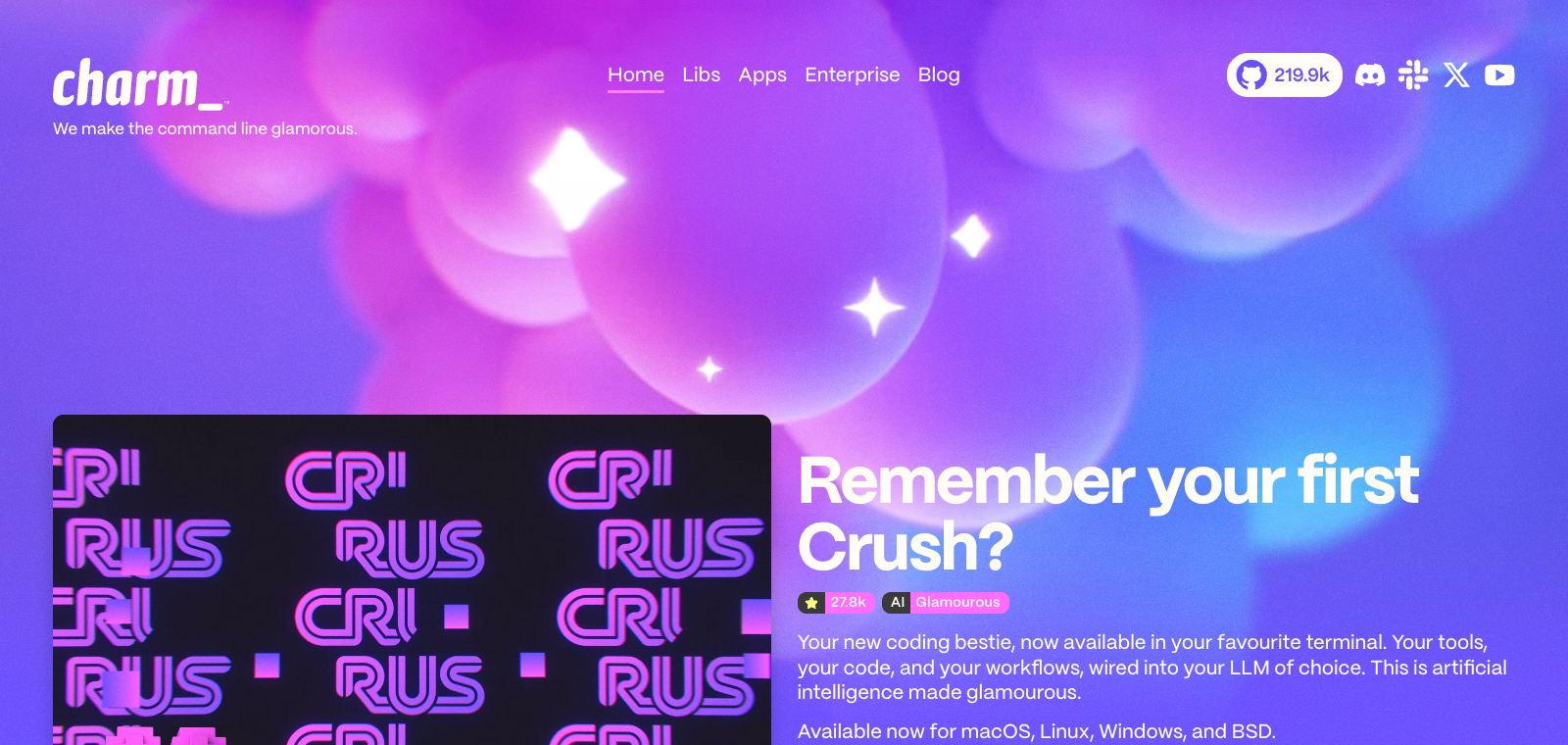
Crush is a terminal agentic coding tool from Charmbracelet that supports switching between different LLM models in the same session while retaining context.
Website created
2023-08-17
OpenRouter token usage rank
#60
Sources: OpenRouter
Monthly unique visitors
39,283
Sources: SimilarWeb
Coding Plan
Coding Pro model discounts
Crush is positioned as a CLI tool that lets developers drive AI to complete coding tasks directly in the terminal, primarily by issuing commands to interact with AI for code modifications. It supports LSP integration for code context and is compatible with Model Context Protocol extensions. Users can run it on multiple platforms including Linux, macOS, and Windows, and connect to any OpenAI- or Anthropic-compatible API. Compared to IDE-style AI tools, it suits developers who prefer pure terminal workflows and do not want to switch between multiple windows; its core differentiators are the native terminal experience and flexible model switching.
One-line summary
Crush is a terminal agentic coding tool from Charmbracelet that supports switching between different LLM models in the same session while retaining context.
What people use it for
Users enter commands in the terminal to let AI directly edit project code or switch between models to continue the same task.
Best for
Developers, engineering teams, and technical leads
How it works
It typically runs in a project environment, IDE, or terminal, completing development tasks by reading context, executing commands, and modifying files.
Product type
CLI Agent
Pricing
Unknown
Current enhanced version batch data has not maintained real-time pricing for this product; please refer to the official website or official documentation.
APIMaster integration
Supported
Model selector (Ctrl+L) or custom Provider configuration
Data confidence
Medium
Last verified: 2026-09-02
Runs directly in any terminal emulator with a high-performance TUI interface built on the Charm library
Dynamically pulls and uses MCP tools via Docker with no configuration required
Supports calling Crush in non-interactive mode from scripts or Taskfiles to complete tasks
Can directly use model services provided by charm.land or self-deployed providers
Built on Charm libraries such as Bubble Tea and Lip Gloss, supporting v2 rendering features
Let Crush handle code generation, editing, and debugging directly in the CLI
Best for:Terminal-preferring developers
Integrate AI coding steps into Taskfiles via crush run
Best for:DevOps and scripting users
Pull specific MCP tools on demand during coding to enhance context
Best for:Developers needing external tools
Switch between official or self-deployed model providers in Crush to validate output
Best for:Model-tuning developers
Base URL
https://apimaster.ai/v1API key environment variable
APIMASTER_API_KEYModel
Your APIMaster model IDDiscussion summary
Users typically understand Crush as a terminal AI coding agent tool released by the Charm team, emphasizing its high-performance TUI interface built in Go and deep integration with libraries such as Bubble Tea. Discussions focus on how to efficiently use the tool for code editing, command execution, and model interaction in CLI environments, as well as integration with existing development workflows. Users also frequently compare it with graphical or JS tools such as Cursor and Claude Code, paying attention to resource usage and configuration flexibility.
Users often discuss its low RAM usage and fast rendering capabilities, making it suitable for running multiple instances on resource-constrained machines or comparing it with Go/Rust tools.
Users explore how to combine it with Docker and Taskfile through non-interactive mode or MCP loading to achieve automated workflows and dynamic tool invocation.
Users discuss configuring models such as Anthropic and OpenAI, as well as the setup experience and seamless integration of built-in LSP and MCP servers.
Users share experiences using Crush as an alternative or complement to nvim in the CLI, and the applicable scenarios for its built-in Vim-like editor.
Users compare Crush's terminal aesthetics, session persistence, and file change tracking features with the advantages and disadvantages of other agent tools.
We currently classify it under the Programming / Developer category; page details are based on the official website and public sources such as OpenRouter.
The enhanced version page prioritizes displaying collected core tasks and use cases to help you quickly determine if it matches your current needs.
There is currently no reliable source confirming support for third-party keys or custom compatible endpoints, so the page status is shown as pending verification.
Also in the Programming / Developer category, suitable for horizontal comparison of different task entry points and product forms.
Also in the Programming / Developer category, suitable for horizontal comparison of different task entry points and product forms.
Also in the Programming / Developer category, suitable for horizontal comparison of different task entry points and product forms.
Sources:Official websiteGitHub
Last verified: 2026-09-02 · Report a correction