
Using DeepSeek V4 Flash in codex harness
Call DeepSeek V4 Flash via Command Code to complete codex harness tasks
Best for:AI developers
Coding / Developer
Command Code is an AI coding agent optimized for open-source models, providing tool call repair and /design skills.
OpenRouter token usage rank
#38
Sources: OpenRouter
Monthly unique visitors
235,826
Sources: SimilarWeb
Coding Plan
Coding Pro model discounts
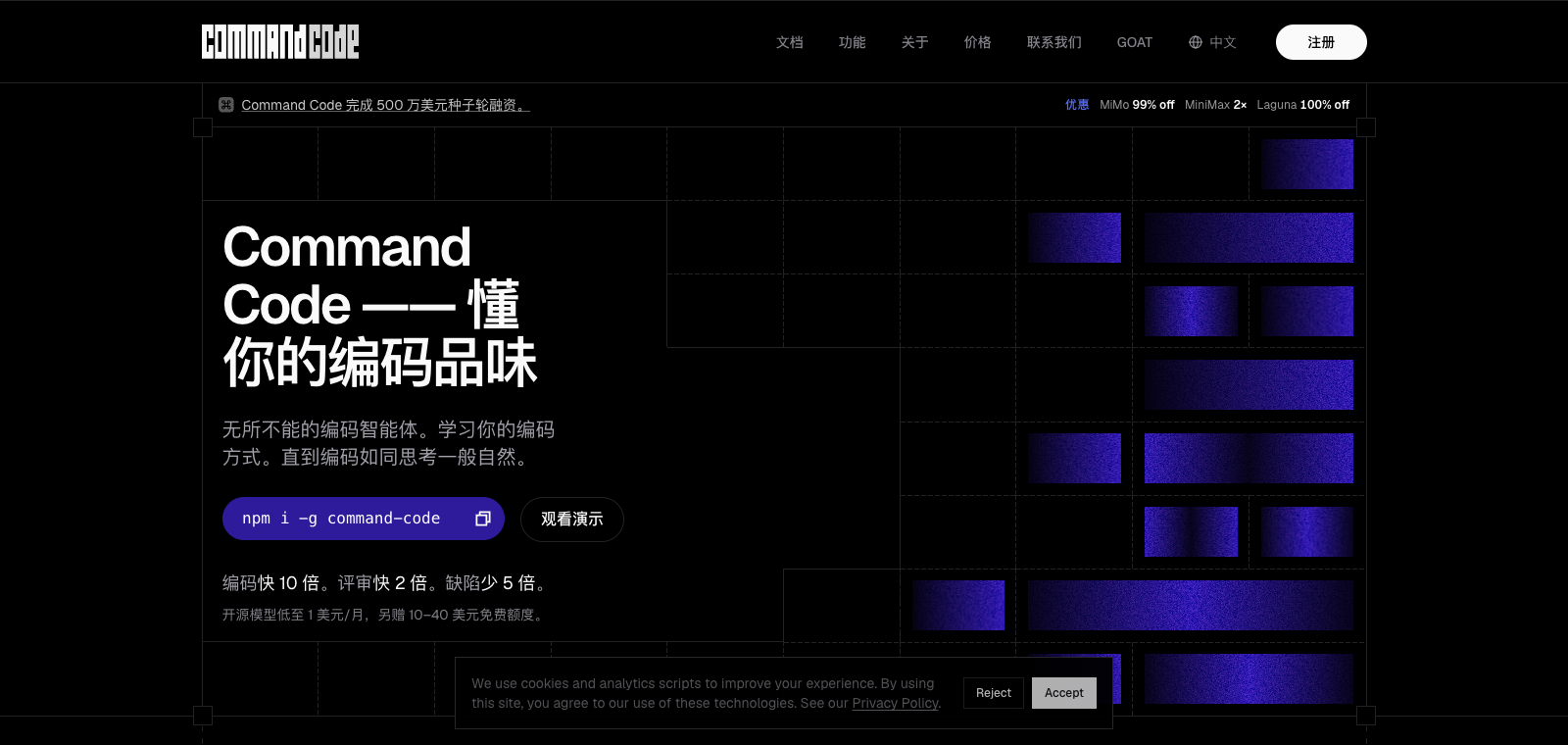
Command Code is positioned as a coding agent for developers, primarily interacting with open-source models via command line or interface to complete code-related work. Its core features include automatic tool call repair for open-source models, the /design skill for generating interfaces, and support for low-cost entry plans. It is suitable for developers using open-source models such as DeepSeek and GLM, especially those who wish to avoid high fees or model restrictions. Compared to similar products, it does not charge additional fees for open-source model usage and includes built-in repair mechanisms to reduce call failures.
One-line summary
Command Code is an AI coding agent optimized for open-source models, providing tool call repair and /design skills.
What people use it for
Users run code generation tasks with it, fix model tool call errors, and generate UI interfaces via the /design command.
Best for
Developers, engineering teams, and technical leads
How it works
It typically first reads context in an IDE, terminal, or project environment, after which the Agent plans steps, executes commands or modifies files, and the user reviews the results.
Product type
CLI Agent
Pricing
Unknown
Real-time pricing for the current enhanced edition batch is not maintained for this product; please refer to the official website or official documentation.
APIMaster integration
Supported
BYOK Providers / Provider API / Studio API Keys
Data confidence
Medium
Last verified: 2026-09-02
Native support for tool calling with open-source models such as DeepSeek V4 Flash
Automatically repairs tool call errors and retries
Built-in /design command for design-related tasks
Provides cache repair functionality to reduce repeated calls
Offers plans such as GOAT, including specific quota limits and the $1 Go plan
Maintains #1/#2 ranking on the public Leaderboard
Call DeepSeek V4 Flash via Command Code to complete codex harness tasks
Best for:AI developers
Compare the GOAT plan with opencode go and then choose Command Code for Pi harness
Best for:AI developers
Enable the repair feature to continue coding when tool calls fail
Best for:AI developers
Base URL
https://apimaster.ai/v1API key environment variable
APIMASTER_API_KEYModel
Your APIMaster model IDDiscussion summary
Users typically understand Command Code as an AI coding agent tool focused on open-source models, emphasizing CLI interaction and agentic workflows. Discussions mainly center on the cost-effectiveness of pricing plans, comparisons with competitors such as Claude Code, Cursor, and OpenCode, the effectiveness of taste features and model support, and productivity performance and limitations in actual coding tasks.
Users often discuss quota amounts, model usage limits, and actual costs of different tiers, comparing the long-term value of the $1 entry plan with higher-tier options.
Users frequently share usage experiences and explore differences in CLI terminal interaction, agent autonomy, and applicability in research or open-source maintenance scenarios.
Users discuss how taste learns personal preferences, tool call repair capabilities, and the reliability and speed of specific models in agentic tasks.
Users share scenarios where the agent errs in ambitious projects, requires human supervision, and compare feedback loops with IDE tools.
We currently classify it under the "Programming / Developer" category; page descriptions are based on the official website and public sources such as OpenRouter.
The enhanced edition page of Command Code prioritizes displaying collected core tasks and use cases to help you quickly determine whether it matches your current needs.
There is currently no reliable source confirming that the product supports third-party keys or custom compatible endpoints, so the page status will show as pending verification.
Also in the Programming / Developer category, suitable for horizontal comparison of different task entry points and product forms.
Also in the Programming / Developer category, suitable for horizontal comparison of different task entry points and product forms.
Also in the Programming / Developer category, suitable for horizontal comparison of different task entry points and product forms.
Sources:Official website
Last verified: 2026-09-02 · Report a correction