
Write New Functions
Enter a functional requirement description to generate a function implementation in the corresponding programming language
Best for:Backend developers
Coding / Developer
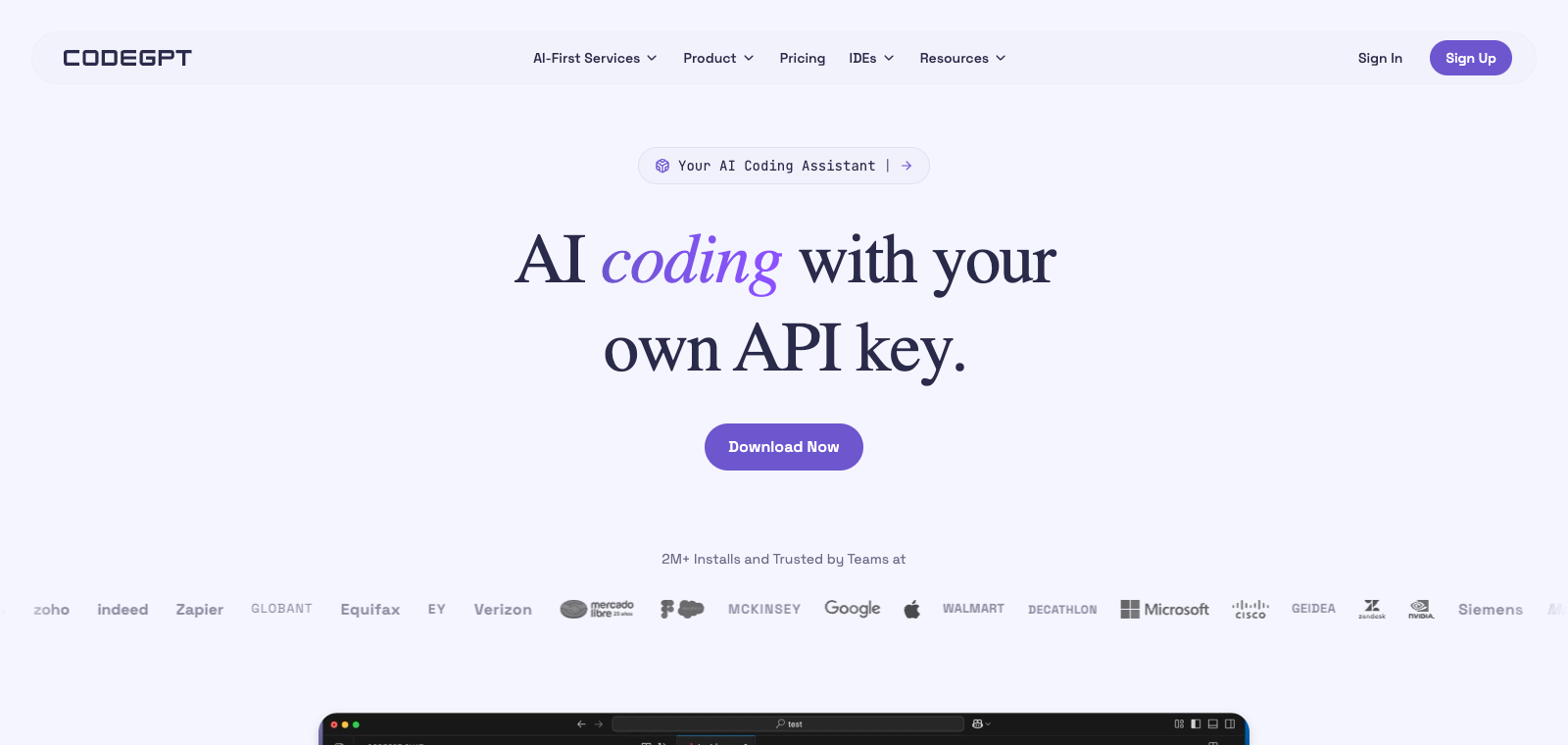
CodeGPT is a programming assistant platform that supports integrating multiple AI models in JetBrains IDEs and similar tools.
OpenRouter token usage rank
#43
Sources: OpenRouter
Monthly unique visitors
97,848
Sources: SimilarWeb
Coding Plan
Coding Pro model discounts
CodeGPT is positioned as a customizable AI platform for developers, allowing users to connect models such as GPT within existing IDE environments for code-related operations. Users primarily download the extension plugin and configure an API key in PyCharm or JetBrains editors before use. Its features include context analysis of the entire codebase and switching between different models without changing the development environment. It suits programmers already working in JetBrains tools and emphasizes model flexibility and codebase-level understanding compared to single-model tools.
One-line summary
CodeGPT is a programming assistant platform that supports integrating multiple AI models in JetBrains IDEs and similar tools.
What people use it for
Users load the entire codebase in PyCharm to obtain model-generated code suggestions and explanations. Users configure different AI models to handle code generation, debugging, and refactoring tasks.
Best for
Developers, engineering teams, and technical leads
How it works
It typically reads context first in the IDE, terminal, or project environment, after which the Agent plans steps, executes commands or modifies files, and the user reviews the results.
Product type
Extension / Plugin
Pricing
Unknown
Current enhanced batch data does not maintain real-time pricing for this product; please refer to the official website or official documentation.
APIMaster integration
Supported
Provider / Proxy / API Settings
Data confidence
Medium
Last verified: 2026-09-02
Generate code snippets, functions, or complete files directly from natural language prompts
Output line-by-line or overall functional descriptions after selecting code
Detect code errors and provide specific fix suggestions along with the modified code
Propose refactoring plans for selected code and generate a new version
Invoke AI chat and code operations directly from the sidebar inside the VS Code editor
Support switching between different models such as GPT-4 and Claude to perform the same task
Enter a functional requirement description to generate a function implementation in the corresponding programming language
Best for:Backend developers
Paste error messages and code snippets to obtain the cause of the error and fixed code
Best for:Full-stack engineers
Request explanations for unfamiliar code blocks to understand their execution logic
Best for:Junior programmers
Select an old code module to obtain an optimized version and apply it to the project
Best for:Maintenance developers
Base URL
https://apimaster.ai/v1API key environment variable
APIMASTER_API_KEYModel
Your APIMaster model IDDiscussion summary
Users typically understand CodeGPT as an AI coding assistance extension in IDEs such as VS Code, mainly used to introduce models like OpenAI, Claude, and Ollama for code completion and generation. Discussions focus on configuring different models, improving code generation accuracy, and integration methods with local or cloud tools. Users often share workflow optimizations and common limitations in actual use, such as context management and performance issues.
Users discuss steps and results for downloading models, selecting completion models, and quickly setting up a local private coding assistant.
Users share usage experiences and compare model performance, long-context handling capabilities, and actual coding assistance effects.
Users exchange supported model lists (such as Cohere, Mistral, Gemini, Grok), configuration methods, and switching techniques.
Users discuss context window management, history chat optimization, and practical methods to avoid memory or slow response issues.
Users share experiences and improvement suggestions using it as a code review tool or agent in real development scenarios.
We currently classify it under the Programming / Developer category; page descriptions are based on the official website and public sources such as OpenRouter.
The enhanced page for CodeGPT prioritizes displaying collected core tasks and use cases to help you quickly determine whether it matches your current needs.
Current data confirms that the product supports third-party Key or custom compatible endpoints; you can continue verification according to the page configuration instructions.
Also in the Programming / Developer category, suitable for horizontal comparison of different task entry points and product forms.
Also in the Programming / Developer category, suitable for horizontal comparison of different task entry points and product forms.
Also in the Programming / Developer category, suitable for horizontal comparison of different task entry points and product forms.
Sources:Official website
Last verified: 2026-09-02 · Report a correction