
Iterate on features in the terminal
Start freebuff and let it read the repository, write code for new features, and run tests
Кому підходить:Full-stack developers
Програмування / Розробка
Zazen (Freebuff fork) is a free AI coding agent tool installed globally via npm.
Сайт створено
2000-03-20
Рейтинг використання токенів OpenRouter
#2
Джерела: OpenRouter
Унікальні відвідувачі на місяць
315,677
Джерела: SimilarWeb
Coding Plan
Знижки на моделі Coding Pro
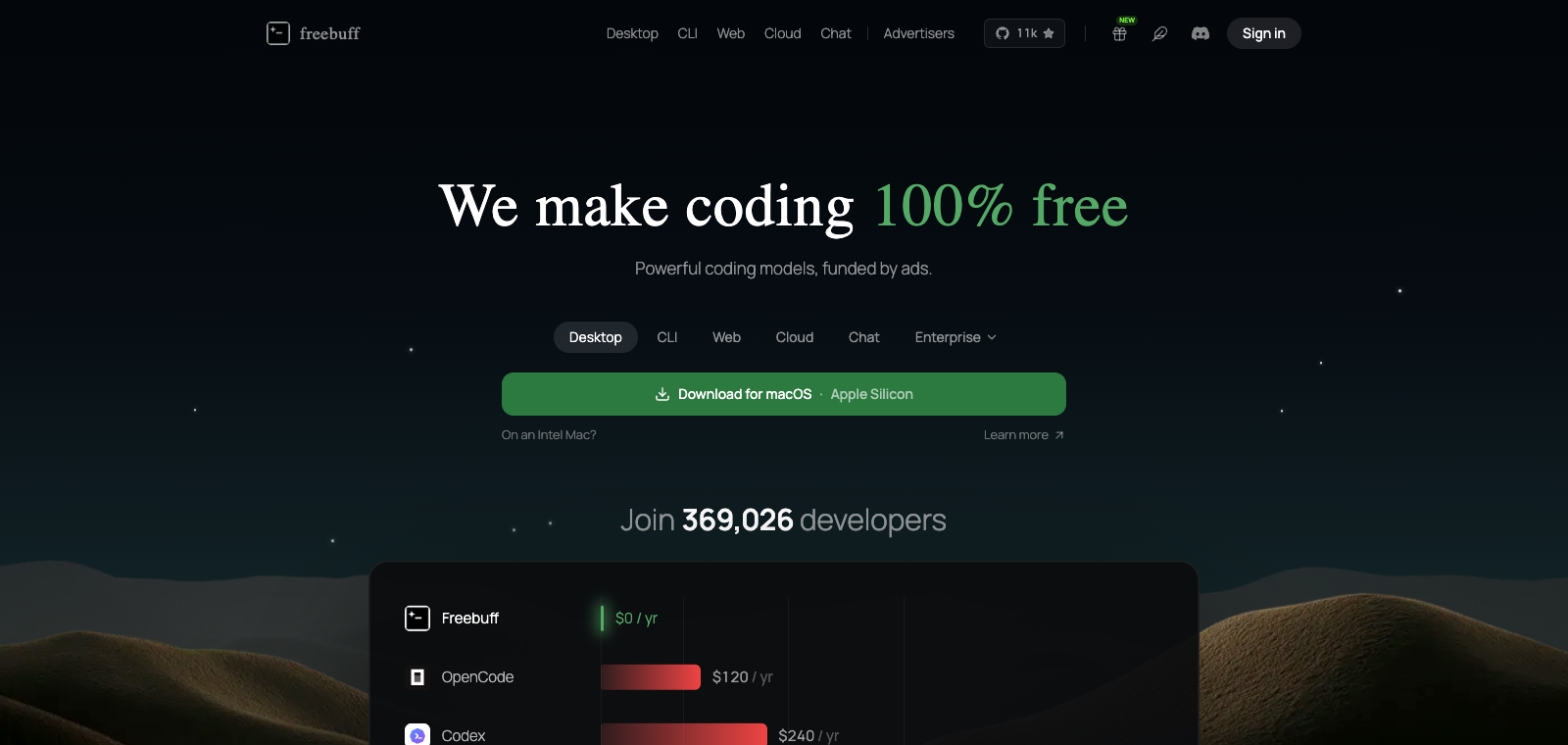
This product is positioned as a coding agent that runs from the command line, mainly installed via npm install -g freebuff and then used in the terminal. Users can directly call it to handle code-related tasks, with support for models such as DeepSeek V4 Pro and Flash without requiring a paid subscription. Its core strength is providing an AI-assisted development workflow without subscription restrictions, making it suitable for developers who do not want to rely on paid services. Compared with similar products, it emphasizes being completely free and available in CLI form immediately after installation, avoiding extra dependencies on web apps or IDE plugins.
Коротко
Zazen (Freebuff fork) is a free AI coding agent tool installed globally via npm.
Для чого використовується
After installation, users run freebuff in the terminal to generate or modify code. Developers use it in daily work to assist with programming tasks without paying.
Кому підходить
General assistant users and multi-scenario workflow users
Як це працює
Users typically enter the product first through the command line, IDE, or desktop app, then complete work through multi-step task planning and tool invocation.
Тип продукту
Desktop App
Ціни
Невідомо
The current enhanced batch dataset does not maintain real-time pricing for this product. Please refer to the official website or official documentation.
Інтеграція з APIMaster
Підтримується
Provider / Proxy / API Settings
Надійність даних
Середня
Остання перевірка: 2026-09-02
After global installation via npm, run the freebuff command directly in the project directory to start
Directly access and modify all files in the local codebase
Run shell commands in the terminal, install dependencies, or build projects
Automatically search web content during work to assist development
Supports switching between models such as DeepSeek V4 Pro and Kimi K2.7 Code
Generate and iterate on complete code projects from scratch
Start freebuff and let it read the repository, write code for new features, and run tests
Кому підходить:Full-stack developers
Run freebuff in an empty directory and describe the requirements to generate a complete runnable project
Кому підходить:Indie developers
Have the tool analyze an existing codebase and automatically fix issues or add features
Кому підходить:Backend engineers
Use Zazen to plan changes, then switch to Freebuff Desktop to carry out specific code modifications
Кому підходить:AI-assisted programming users
Base URL
https://apimaster.ai/v1Змінна середовища API-ключа
APIMASTER_API_KEYМодель
Ваш Model ID APIMasterПідсумок обговорень
Users generally understand Zazen (Freebuff fork) as a free terminal-based AI coding agent tool that can directly read and edit files and execute commands, using open-source models such as DeepSeek for code generation and modification. Discussion focuses on how to integrate it into daily development workflows, how the experience compares with paid tools such as Claude Code or Cursor, and practical usage scenarios after installation and configuration. Users are especially interested in its zero-subscription-cost advantage, while also mentioning interaction details of the CLI interface and desktop version as well as model selection questions.
Users often discuss how to combine Zazen with other AI tools, such as ZCode for planning plus Freebuff for execution, to improve overall indie dev productivity, or how to run the freebuff command directly in the terminal to handle projects.
Users frequently compare the performance, speed, and feature completeness of its free models, such as DeepSeek V4 Pro and Kimi K2.7 Code, and discuss whether it can serve as a zero-cost alternative.
Users share the installation steps for npm install -g freebuff, and explain how, after running the freebuff command in the project directory, they have the AI read files, execute commands, or build complete projects.
Users discuss the available model list, such as DeepSeek, MiniMax, and MiMo, and how to switch models based on task requirements to optimize code generation or review results.
Users give feedback on the CLI and desktop interaction experience, mention text ads as the tradeoff for free use, and discuss the convenience of integration with IDEs such as VS Code.
We currently place it in the "Programming / Development" category, and the page description is based on public information from the official website and sources such as OpenRouter.
The enhanced page for Zazen (Freebuff fork) prioritizes the core tasks and use cases we have collected, helping you quickly judge whether it matches your current needs.
Current information confirms that the product supports a third-party Key or custom compatible endpoint, so you can proceed directly according to the configuration instructions on the page.
Also in the Programming / Development category, suitable for comparing different development workflows and product formats.
Also in the Programming / Development category, suitable for comparing different development workflows and product formats.
Also in the Programming / Development category, suitable for comparing different development workflows and product formats.
Джерела:Офіційний вебсайтGitHub
Остання перевірка: 2026-09-02 · Повідомити про виправлення