
Implement New Feature Modules
Generate and insert into existing project files after describing requirements
Кому підходить:Backend developers
Програмування / Розробка
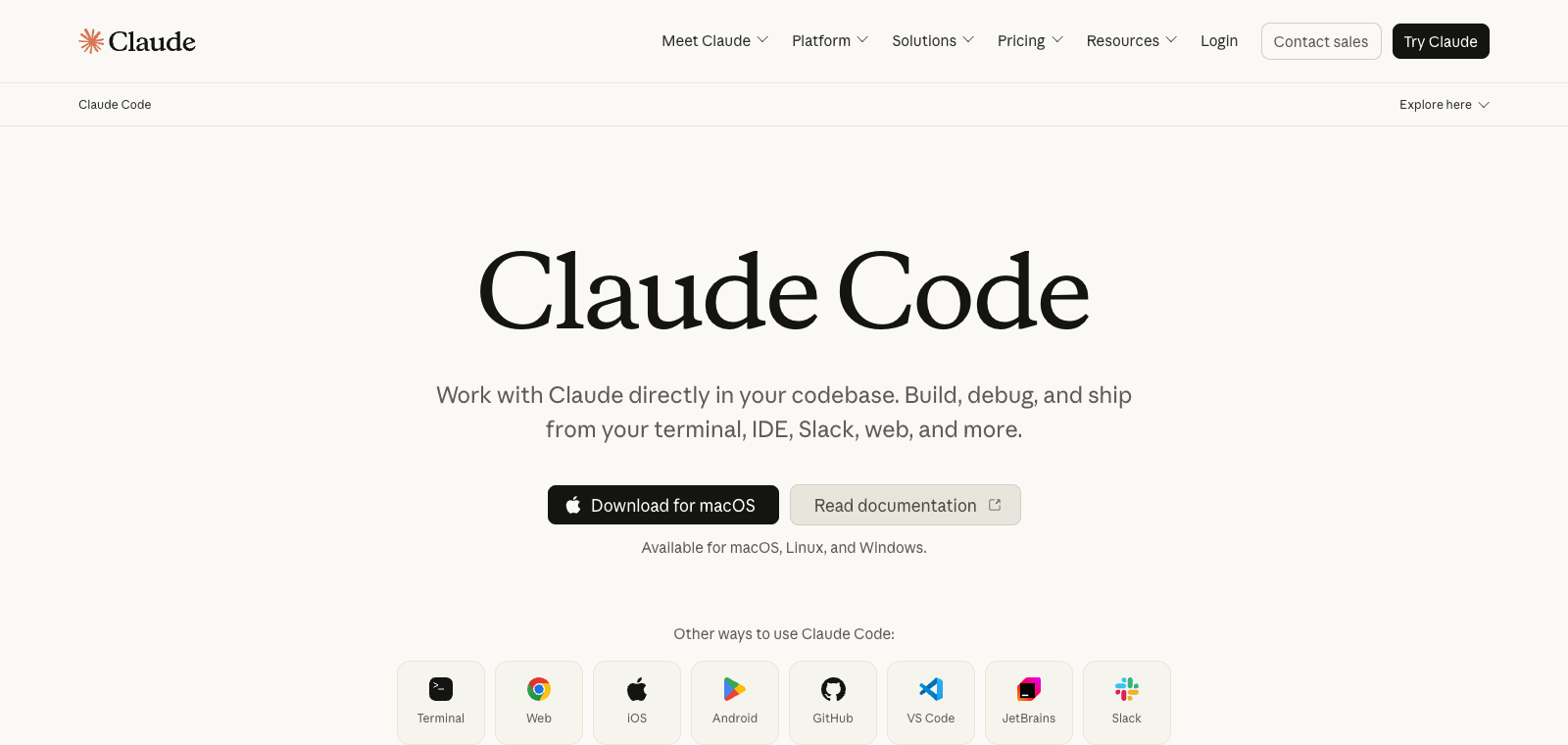
Claude Code is Anthropic's AI coding interface, with the core selling point being a continuously optimized development system achieved through CLAUDE.md project memory files and a multi-agent architecture.
Сайт створено
2018-08-04
Рейтинг використання токенів OpenRouter
#3
Джерела: OpenRouter
Унікальні відвідувачі на місяць
107.5M
Джерела: SimilarWeb
Coding Plan
Знижки на моделі Coding Pro
Claude Code is positioned as a platform for developers to build AI-driven coding workflows, where users interact with Claude via terminal or interface to handle codebases. Usage includes setting up CLAUDE.md to record architecture rules, defining reusable skill packs, configuring hooks as guards, and splitting tasks to parallel sub-agents. The main feature is turning single prompts into long-term memory and automated processes rather than starting from scratch each time. It suits developers with existing code projects or those wanting to use AI to coordinate complex tasks. Unlike ordinary chat-style AI tools, it emphasizes system-level setup rather than simply generating code snippets.
Коротко
Claude Code is Anthropic's AI coding interface, with the core selling point being a continuously optimized development system achieved through CLAUDE.md project memory files and a multi-agent architecture.
Для чого використовується
Users actually use it to maintain codebases, run commands to debug issues, and call multiple agents in parallel to complete testing and deployment tasks.
Кому підходить
Developers, engineering teams, and technical leads
Як це працює
Typically, context is first read in the IDE, terminal, or project environment, after which the Agent plans steps, executes commands or modifies files, and the user reviews the results.
Тип продукту
Platform Product
Ціни
Невідомо
Current enhanced batch data has not maintained real-time pricing for this product; please refer to the official website or official documentation.
Інтеграція з APIMaster
Підтримується
Claude Code configuration: ~/.claude/settings.json or the same-named environment variable
Надійність даних
Середня
Остання перевірка: 2026-09-02
Directly output complete code files or functions based on natural language prompts
Output line-by-line or paragraph-by-paragraph natural language explanations after selecting a code block
Return specific fix code snippets and modification locations after pasting error messages
Provide specific rewritten versions such as renaming, extracting functions, or splitting modules after selecting code
Automatically generate unit test code for functions or classes, supporting multiple testing frameworks
Modify code content across multiple files in the project within the same conversation
Generate and insert into existing project files after describing requirements
Кому підходить:Backend developers
Paste error logs and related code to obtain fix patches
Кому підходить:Full-stack engineers
Generate test cases covering main branches after selecting a function
Кому підходить:Test engineers
Have Claude list potential issues and provide modification suggestions before submission
Кому підходить:Team developers
Base URL
https://apimaster.aiЗмінна середовища API-ключа
ANTHROPIC_AUTH_TOKEN / ANTHROPIC_API_KEYМодель
claude-sonnet-4-6 або claude-opus-4-8Підсумок обговорень
Users typically understand Claude Code as a programmable AI development environment rather than a simple code-generation chat tool. Discussions focus on how to establish persistent memory through project-level configurations (such as CLAUDE.md), leverage Skills and Hooks to implement automated workflows, and build agentic development systems using components like Subagents and MCP. The core question is: how to shift from simple prompts to systematic orchestration to improve execution efficiency and controllability of complex projects.
Users often discuss how to write CLAUDE.md in the project root directory to store architecture decisions, coding standards, and constraints so that Claude automatically loads context at the start of each session.
Users share how to create reusable instruction files in .claude/skills/ and automatically execute lint, tests, or verification via Hooks scripts before and after tool calls to implement deterministic guardrails.
Users explore how to spawn multiple parallel sub-agents to divide complex workflows, and first draft execution plans with Plan Mode before approving execution to reduce errors and context waste.
Users discuss using the MCP protocol to allow Claude to access external resources such as databases, APIs, or GitHub, as well as installing official plugins to package skills, hooks, and commands.
Users repeatedly emphasize that Claude Code's core value lies in building overall systems (such as permission control, checkpoint rollback, slash commands, and voice mode) rather than relying solely on single prompts.
We currently classify it under the "Programming / Developer" category; page descriptions are based on the official website and public materials such as OpenRouter.
The enhanced page for Claude Code will prioritize displaying collected core tasks and use cases to help you quickly determine if it matches your current needs.
Current data has confirmed that the product supports third-party Keys or custom compatible endpoints; you can continue verification according to the page configuration instructions.
Also belongs to the Programming / Developer category and can be used for horizontal comparison of different task entry points and product forms.
Also belongs to the Programming / Developer category and can be used for horizontal comparison of different task entry points and product forms.
Also belongs to the Programming / Developer category and can be used for horizontal comparison of different task entry points and product forms.
Джерела:Офіційний вебсайт
Остання перевірка: 2026-09-02 · Повідомити про виправлення