
Guide complex code refactoring
Specify refactoring goals in plan/act mode, and Cline analyzes the codebase, applies changes step by step, and adjusts in real time.
Кому підходить:Full-stack developers
Програмування / Розробка
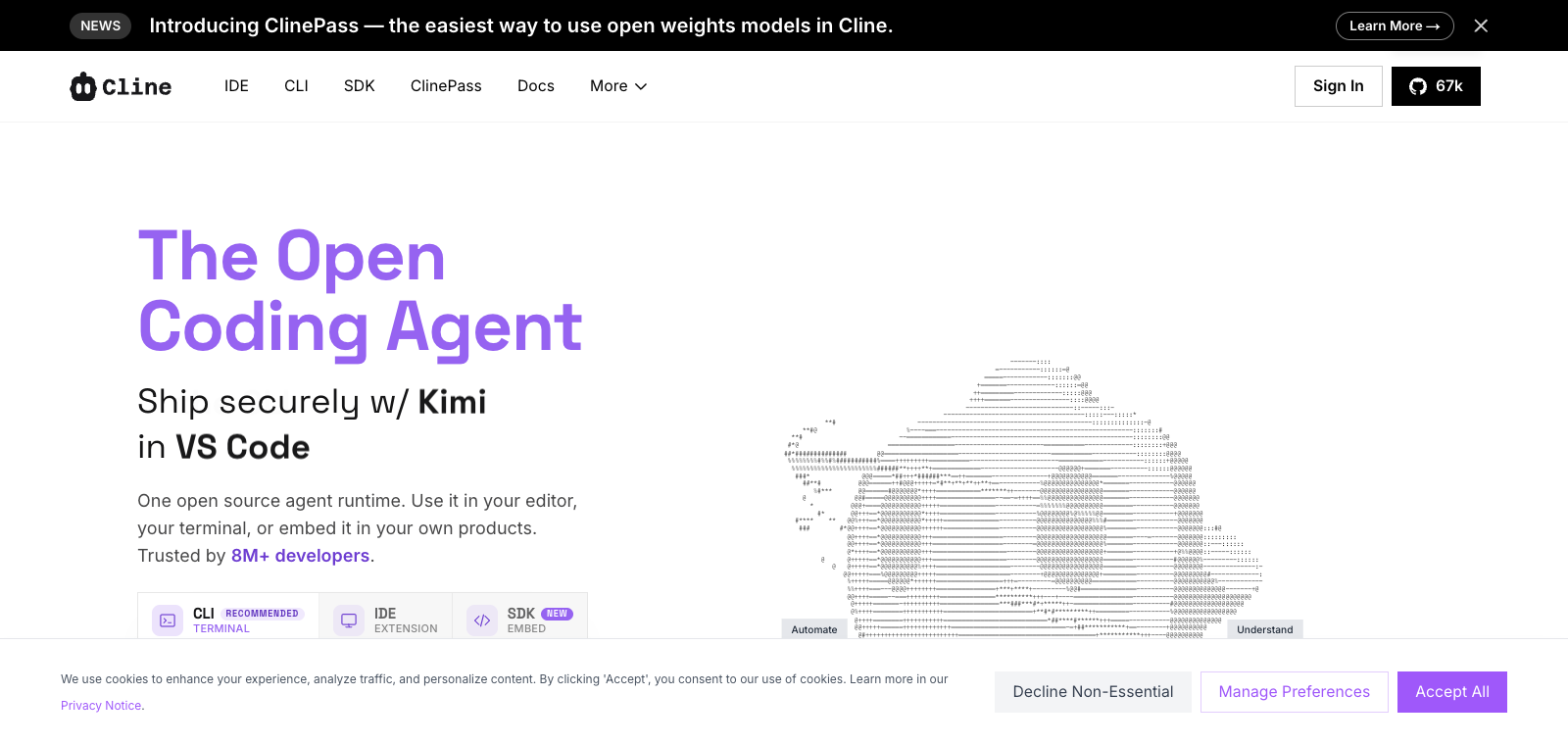
Cline is an open-source AI coding assistant that supports bring-your-own API keys for access to multiple models, enabling autonomous analysis and execution across an entire codebase in VS Code.
Сайт створено
2024-09-30
Рейтинг використання токенів OpenRouter
#4
Джерела: OpenRouter
Coding Plan
Знижки на моделі Coding Pro
As a developer tool, Cline primarily runs as a VS Code extension and also offers a CLI version. It handles projects by reading file structures, performing AST analysis, and executing terminal commands, while also supporting browser actions and custom tool extensions. Users can guide tasks in plan/act mode and use checkpoints to roll back changes, making it well suited for engineers working with large codebases. Unlike similar products that rely on subscriptions and limit context, Cline allows direct use of your own keys to access the full capabilities of models such as Gemini and Anthropic.
Коротко
Cline is an open-source AI coding assistant that supports bring-your-own API keys for access to multiple models, enabling autonomous analysis and execution across an entire codebase in VS Code.
Для чого використовується
Users use it to refactor code, run test commands, fix errors, and verify results in the browser until the task is complete.
Кому підходить
Developers, engineering teams, and technical leads
Як це працює
It typically starts by reading context in the IDE, terminal, or project environment, then the Agent plans steps, executes commands or modifies files, and the user reviews the results.
Тип продукту
Extension / Plugin
Ціни
Невідомо
Real-time pricing is not currently maintained for this product in the enhanced bulk dataset. Please refer to the official website or official documentation.
Інтеграція з APIMaster
Підтримується
Cline panel → Settings → API Configuration
Надійність даних
Середня
Остання перевірка: 2026-09-02
Connect with your own keys to Google Gemini, Anthropic, OpenAI, Groq, Deepseek, Kimi, and local models such as Ollama/LMStudio, without subscription restrictions.
Automatically scans the entire codebase structure, performs AST parsing and regex search, and reads relevant files to understand the project architecture.
Runs terminal commands directly, monitors development server output, linter and compiler errors, and iterates based on the results.
Launches a headless browser to perform clicks, scrolling, and screenshots for visual debugging and functional verification.
Automatically creates workspace snapshots at every step, with support for rolling back to a previous state at any time.
Create and integrate custom tools through Model Context Protocol for tasks such as Jira ticket retrieval and cloud infrastructure management.
Specify refactoring goals in plan/act mode, and Cline analyzes the codebase, applies changes step by step, and adjusts in real time.
Кому підходить:Full-stack developers
Execute test commands, launch browser verification, capture linter/compiler errors, then automatically fix and iterate until everything passes.
Кому підходить:Frontend engineers
Ask Cline to create Jira ticketing or cloud resource management tools and use them directly in the workflow.
Кому підходить:DevOps engineers
Use headless mode in pipelines to input git diff and output code reviews or perform automated tasks.
Кому підходить:Backend developers
Base URL
https://apimaster.ai/v1Змінна середовища API-ключа
API Key(Cline 设置项)Модель
gpt-5.5 або claude-sonnet-4-6 або Ваш Model ID APIMasterПідсумок обговорень
Users generally understand Cline as an open-source, model-agnostic AI coding agent tool that supports environments such as the terminal and VS Code, can autonomously execute commands, fix bugs, and complete complex tasks. Discussion focuses on how to use multiple models through bring-your-own API keys, comparisons with other AI coding tools, and how to use its agentic capabilities for real development workflows. Users also frequently share experience integrating different editors, using plan/act mode, and extending custom tools.
Users often discuss the real-world performance of free models from different providers in Cline and how to switch models to balance cost and results.
Users often compare Cline's autonomous execution, context handling, and lock-in-free characteristics with other AI coding assistants.
Users share CLI installation, VS Code/JetBrains integration, and ways to use parallel agents or headless mode.
Users discuss how to design approaches with planning mode, apply changes with execution mode, and use checkpoints to safely roll back complex refactors.
Users explore adding integrations with external tools such as Jira and cloud infrastructure to build more personalized agentic workflows.
We currently classify it under the "Programming / Developer" category, and the page description is based on public information from the official website and sources such as OpenRouter.
The enhanced Cline page prioritizes the core tasks and use cases that have already been collected, helping you quickly judge whether it matches your current needs.
Current information confirms that the product supports third-party keys or custom compatible endpoints, so you can continue validating directly according to the configuration instructions on the page.
Also in the Programming / Developer category, suitable for side-by-side comparison of different task entry points and product formats.
Also in the Programming / Developer category, suitable for side-by-side comparison of different task entry points and product formats.
Also in the Programming / Developer category, suitable for side-by-side comparison of different task entry points and product formats.
Джерела:Офіційний вебсайтGitHub
Остання перевірка: 2026-09-02 · Повідомити про виправлення