
Add new features to an existing project
Describe the requirement in natural language to generate new files and update related calling code
Sopii käyttäjille:Full-stack developers
Ohjelmointi / Kehitys
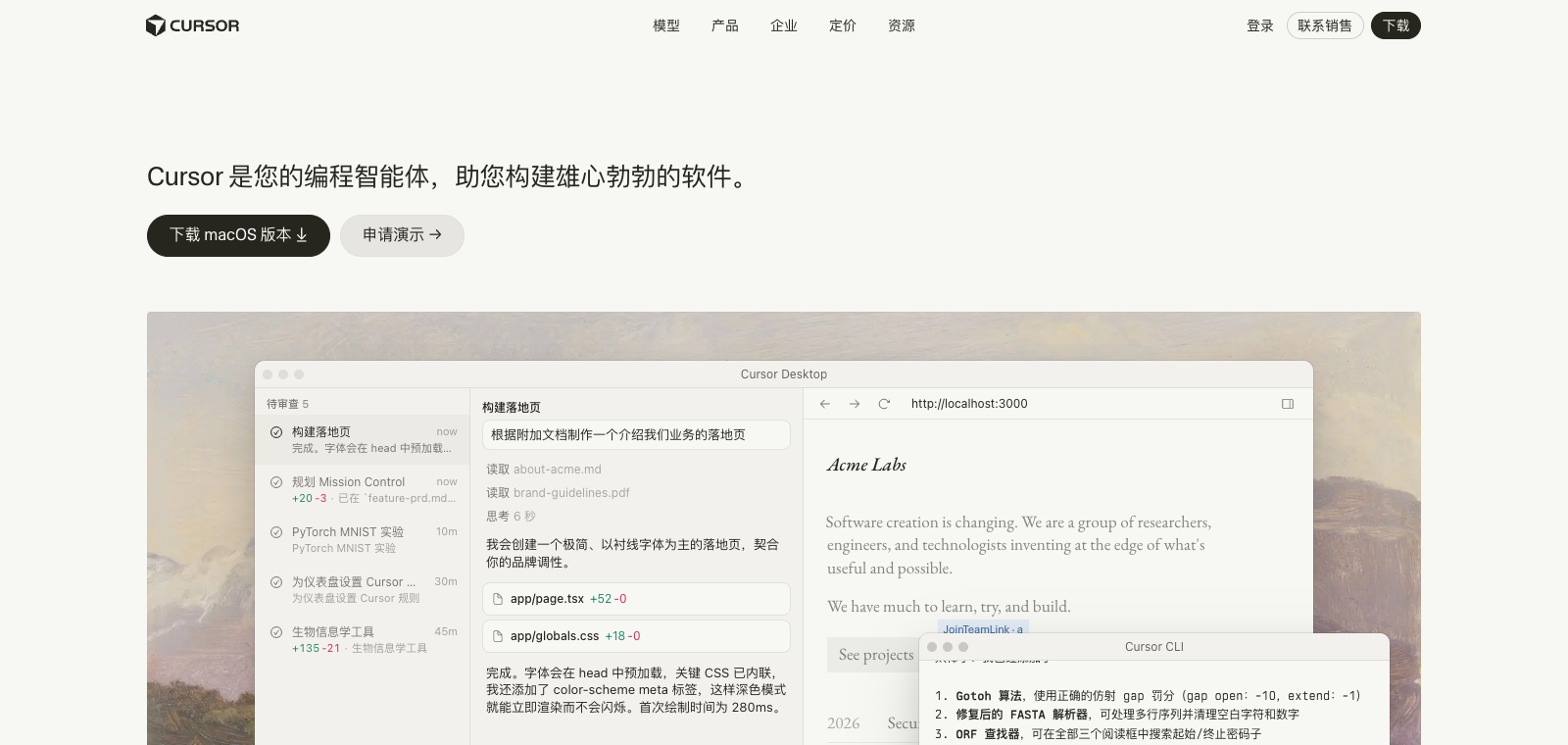
Cursor is a VS Code-based code editor whose core selling point is built-in AI chat and multi-file editing.
Sivusto luotu
1995-12-20
OpenRouter-tokenien käyttöluokitus
#20
Lähteet: OpenRouter
Kuukausittaiset yksittäiset kävijät
7.761M
Lähteet: SimilarWeb
Coding Plan
Coding Pro -mallien alennukset
Cursor is positioned as a code editing tool for developers, providing a conversation interface with the codebase directly inside the editor. Users primarily generate, modify, or refactor code through natural language instructions, while retaining native VS Code shortcuts and extension ecosystem support. Its distinguishing feature is that AI operations are embedded into the editing workflow, such as using Composer mode to work across multiple files at once, rather than relying on external plugins. It is well suited to programmers who are already familiar with VS Code, especially those who frequently work with large codebases or repetitive modification tasks. Compared with other AI coding tools, its most obvious difference is that it directly forks and deeply customizes the VS Code interface rather than existing as an added layer.
Yhdellä lauseella
Cursor is a VS Code-based code editor whose core selling point is built-in AI chat and multi-file editing.
Mihin sitä käytetään
In practice, users use it to write new functions, debug broken code, batch rename variables, or refactor entire modules.
Sopii käyttäjille
Developers, engineering teams, and technical leads
Näin se toimii
It typically starts by reading context in the IDE, terminal, or project environment, then the Agent plans steps, runs commands, or modifies files, and the user reviews the results.
Tuotetyyppi
CLI Agent
Hinnoittelu
Tuntematon
The current enhanced batch dataset does not maintain real-time pricing for this product. Please refer to the official website or official documentation.
APIMaster-integraatio
Tuettu
Cursor Settings → Models
Tietojen luotettavuus
Keskitaso
Viimeksi tarkistettu: 2026-09-02
Generate and insert complete functions, classes, or logic blocks in real time while typing code in the editor
Ask natural language questions in the sidebar chat window to get code explanations, generation, or modification suggestions
Select a block of code or describe the requirement in a comment, then generate the modified code directly in place
Describe the requirement once and automatically generate or synchronize code changes across multiple files
Let the AI run terminal commands, execute tests, fix errors, and iterate until the task is completed on its own
Automatically index the entire codebase and reference functions and variables from other files when generating or modifying code
Describe the requirement in natural language to generate new files and update related calling code
Sopii käyttäjille:Full-stack developers
Select multiple files and describe the refactoring goal to automatically complete function splitting and dependency updates
Sopii käyttäjille:Backend engineers
Paste the error message and let the Agent run tests, locate the issue, and submit a fix
Sopii käyttäjille:Frontend developers
Ask about the purpose of a specific module in chat to get a detailed explanation with file references
Sopii käyttäjille:Developers new to the team
Base URL
https://apimaster.ai/v1API-avaimen ympäristömuuttuja
OpenAI API Key(Cursor 设置项)Malli
deepseek-v4-pro tai APIMaster-mallitunnuksesiKeskustelujen yhteenveto
Users generally understand Cursor as a VS Code-based AI-enhanced code editor that can significantly improve development efficiency through autocomplete, chat, and agent mode, but its output needs to be checked as carefully as you would review a junior developer's work. Discussion mainly focuses on potential bugs in AI-generated code, inconsistent output, and the technical debt that can result from this. Users also frequently share how to optimize prompts and workflows to balance speed and code quality. Long-running topics revolve around managing large codebases, comparing it with traditional manual development, and the practical reliability of agent mode.
Users discuss how AI often introduces logic errors during first-pass generation or refactoring in production-grade code, such as failing to update pricing calculations, and emphasize the need for thorough review rather than trusting the output directly.
Users share that running the same prompt multiple times can produce very different results, and that the AI often identifies its own issues during review. They discuss how iterative prompting or manual intervention can help maintain consistency.
Users discuss problems caused by AI lacking an overall architectural perspective, such as inconsistent error handling and poor modularization, and share refactoring strategies and when to take over manually to avoid long-term maintenance costs.
Users share experience combining autocomplete, chat, and indexing tools to work with large monorepos, and compare the experience with purely manual development or plain VS Code.
Users discuss agent sessions going out of control, environment-switching issues, and how to balance rapid iteration with clean code.
We currently place it in the "Programming / Developer" category, and the page description is based on the official website and public sources such as OpenRouter.
The enhanced Cursor page prioritizes showing the core tasks and use cases that have already been collected, helping you quickly judge whether it matches your current needs.
The current information already confirms that the product supports third-party keys or custom compatible endpoints, so you can continue validating it directly according to the page configuration instructions.
Also in the Programming / Developer category, suitable for side-by-side comparison of different task entry points and product formats.
Also in the Programming / Developer category, suitable for side-by-side comparison of different task entry points and product formats.
Also in the Programming / Developer category, suitable for side-by-side comparison of different task entry points and product formats.
Lähteet:Virallinen verkkosivusto
Viimeksi tarkistettu: 2026-09-02 · Ilmoita korjauksesta