
Build new features from approved issues
Have architect and coding agents collaborate to generate and implement feature code directly from GitHub issues
Geschikt voor:VS Code users
Programmeren / Ontwikkeling

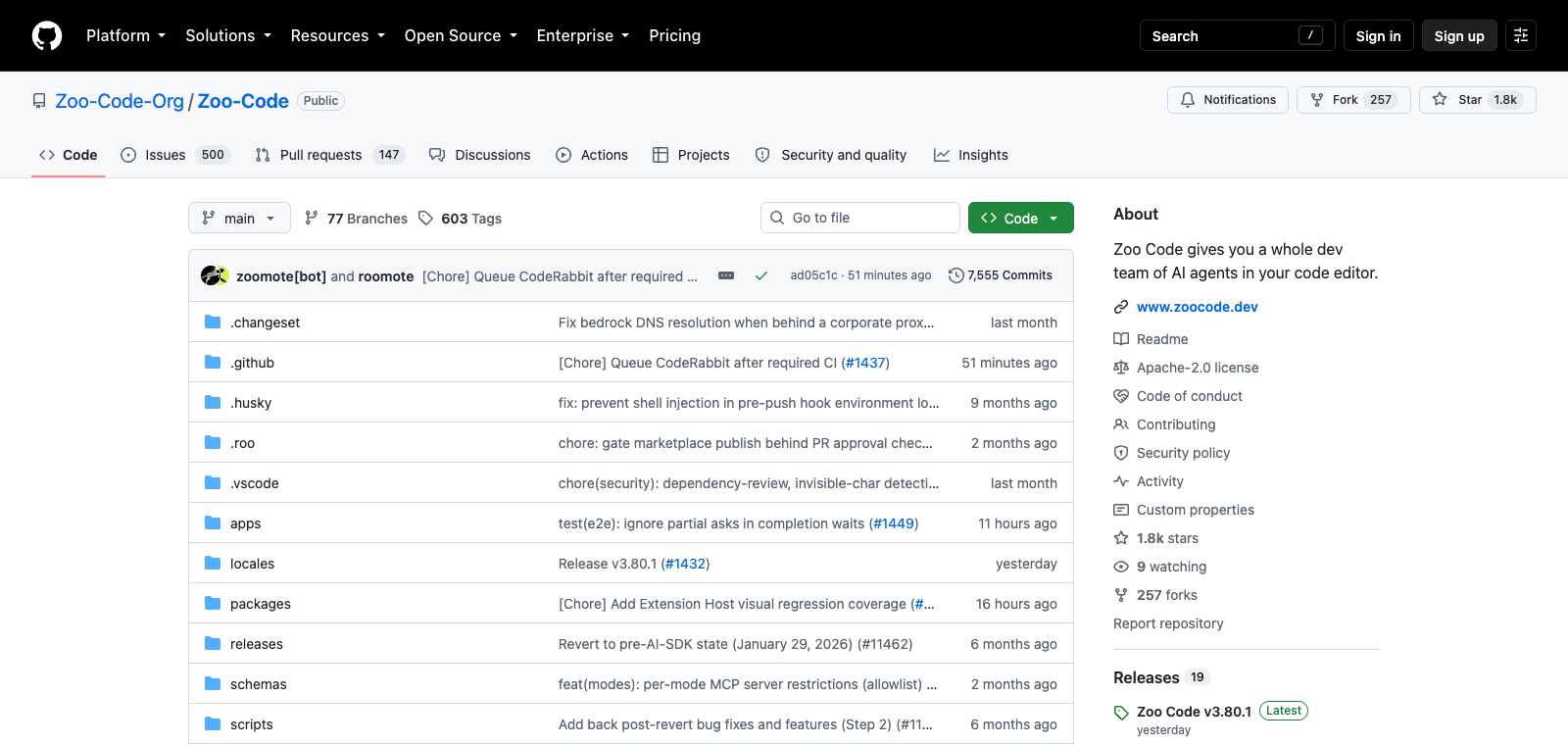
Zoo Code is an open-source code editor extension that runs multiple AI agents to form a development team inside the editor.
Ranglijst OpenRouter-tokengebruik
#27
Bronnen: OpenRouter
Coding Plan
Kortingen op Coding Pro-modellen
Zoo Code is positioned as an AI agent system integrated into code editors, primarily running in environments such as VS Code. Users launch agents with different roles under local or remote models to complete code-related workflows. Its core is to provide a way for multiple agents to collaborate, rather than a single AI assistant. It suits developers already using local models or multi-agent workflows. The difference from traditional single-agent tools lies in its built-in team structure and open-source implementation.
In één zin
Zoo Code is an open-source code editor extension that runs multiple AI agents to form a development team inside the editor.
Waarvoor wordt het gebruikt
After installation in VS Code, users launch agents such as orchestrator, architect, and debugger to handle project tasks.
Geschikt voor
Developers, engineering teams, and technical leads
Zo werkt het
Context is typically read from the IDE, terminal, or project environment first, after which the Agent plans steps, executes commands, or modifies files, with results reviewed by the user.
Producttype
Model Gateway / Routing Tool
Prijzen
Onbekend
Real-time pricing for the current enhanced version batch is not maintained for this product. Please refer to the official website or documentation.
APIMaster-integratie
Ondersteund
Model Providers / OpenAI Provider settings
Betrouwbaarheid van gegevens
Gemiddeld
Laatst gecontroleerd: 2026-09-02
Run multiple specialized AI agents such as orchestrator, architect, debugger, and coding simultaneously inside the VS Code editor
Automatically build and display call graphs and dependency graphs of the codebase
Support semantic codebase search instead of keyword matching only
Perform code modifications in a simulated environment first, then apply them after confirmation
Retain codebase context and modification history across sessions
Built-in tools including web search, web browser, GitHub operations, and compliance checks
Have architect and coding agents collaborate to generate and implement feature code directly from GitHub issues
Geschikt voor:VS Code users
Use the debugger agent to read CI logs, locate failure causes, and propose fixes
Geschikt voor:VS Code users
Have the agent team traverse open PRs, inspect code changes, and generate review comments
Geschikt voor:VS Code users
Automatically update related documentation after merging a PR
Geschikt voor:VS Code users
Base URL
https://apimaster.ai/v1Omgevingsvariabele voor API-key
APIMASTER_API_KEYModel
Je APIMaster-model-IDSamenvatting van discussies
Users typically understand Zoo Code as an open-source VS Code AI agent extension (a fork of Roo Code) that provides a multi-mode AI agent team including architect, coding, and debugging inside the editor. Discussions mainly focus on integrating Zoo Code with local LLMs such as Ollama, Qwen, and DeepSeek, as well as hardware configuration and performance optimization. Users also frequently share experiences with agent modes, tool integrations such as web search and Qdrant context indexing, and overall workflow setup.
Users discuss integrating local models such as Gemma and Qwen2.5-Coder with Zoo Code, focusing on VRAM requirements, Ollama/llama.cpp configuration, and feasibility on low-end hardware.
Users share combinations of VSCode + Zoo Code + Skills (orchestrator, architect, debugger, coding) and how to add Tools such as web search, compliance, and Qdrant indexing to enhance agent capabilities.
Users exchange information on connecting OpenAI-compatible interfaces or specific models such as DeepSeek v4 pro and Kimi K3 in Zoo Code, including base URL settings, token speed optimization, and context management.
Users discuss using Zoo Code for vibe coding, game tool development, or Next.js tasks, emphasizing the switch between Architect mode planning and Code mode execution, as well as integration with daily VS Code workflows.
We currently classify it under the Programming / Developer category. Page details are based on the official website and public sources such as OpenRouter.
The enhanced Zoo Code page prioritizes displaying collected core tasks and use cases to help you quickly determine if it matches your current needs.
There is currently no reliable source confirming support for third-party keys or custom compatible endpoints, so the page status will show as pending verification.
Also in the Programming / Developer category, useful for horizontal comparison of different task entry points and product forms.
Also in the Programming / Developer category, useful for horizontal comparison of different task entry points and product forms.
Also in the Programming / Developer category, useful for horizontal comparison of different task entry points and product forms.
Bronnen:Officiële websiteOfficiële documentatieGitHub
Laatst gecontroleerd: 2026-09-02 · Correctie melden