
Quickly scaffold a new project
Generate the directory structure and base code files after entering project requirements
Geschikt voor:Full-stack developers
Programmeren / Ontwikkeling
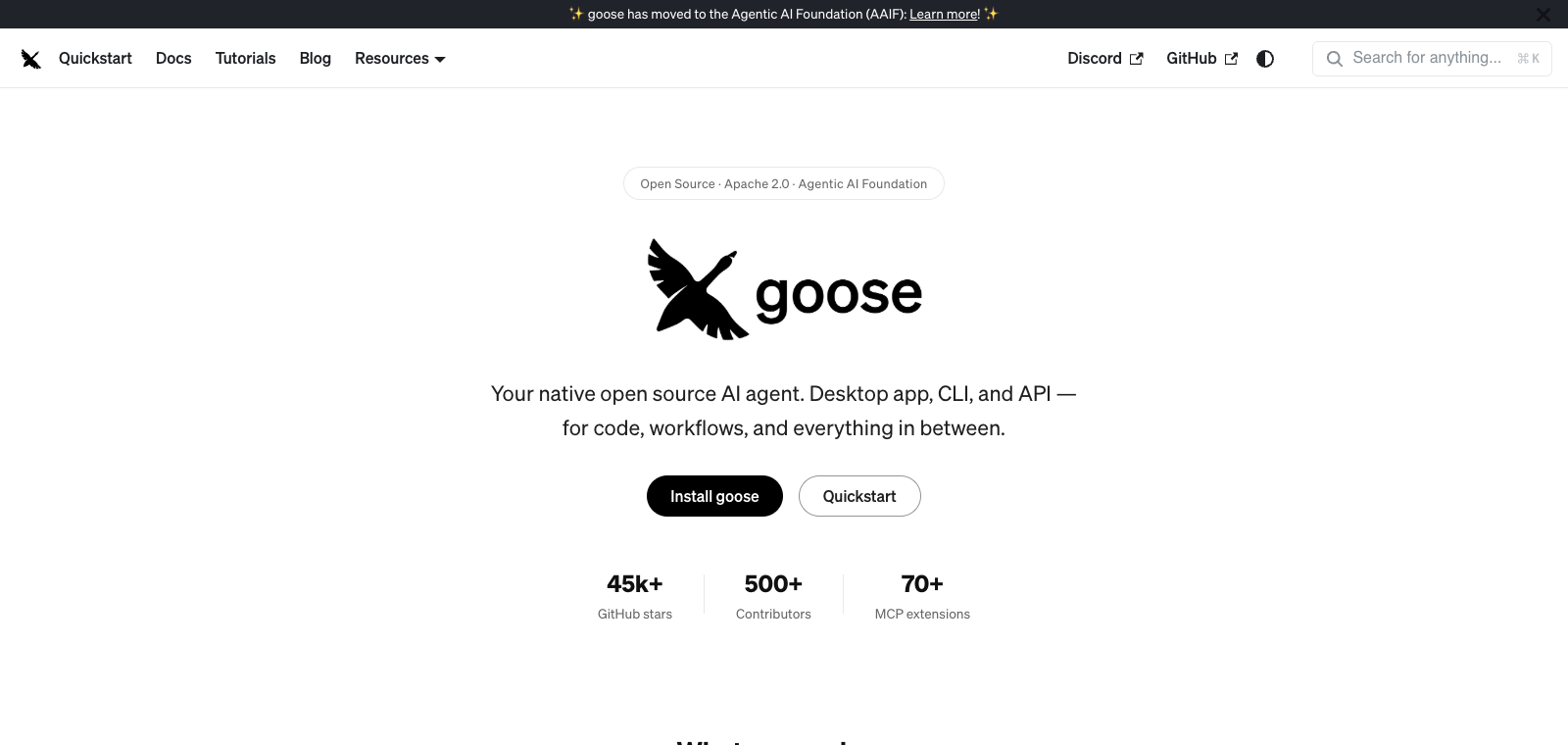
Goose is an open-source local AI coding agent that supports executing code operations on the user's computer through any LLM model.
Website opgericht
2026-03-30
Ranglijst OpenRouter-tokengebruik
#48
Bronnen: OpenRouter
Maandelijkse unieke bezoekers
167,941
Bronnen: SimilarWeb
Coding Plan
Kortingen op Coding Pro-modellen
As a developer tool, Goose provides three interfaces: desktop app, command line, and web. Users can connect to any model such as Claude, GPT, and Ollama. After reading the local codebase, it performs cross-file edits, shell commands, and test workflows, and extends external connections through the MCP protocol. The product is open-sourced by Block, written in Rust, and requires no subscription fee. It is suitable for programmers who want to avoid vendor lock-in, distinguishing it from tools like Claude Code or Cursor that are tied to specific models or editors.
In één zin
Goose is an open-source local AI coding agent that supports executing code operations on the user's computer through any LLM model.
Waarvoor wordt het gebruikt
After reading the codebase, users can use it to write or refactor multi-file code, run commands to install dependencies, and automatically execute tests.
Geschikt voor
Developers, engineering teams, and technical leads
Zo werkt het
It usually starts by reading context in the IDE, terminal, or project environment, then the Agent plans steps, executes commands or modifies files, and the user reviews the results.
Producttype
Extension / Plugin
Prijzen
Onbekend
The current enhanced batch dataset does not maintain real-time pricing for this product. Please refer to the official website or official documentation.
APIMaster-integratie
Ondersteund
goose Desktop → Settings → Configure providers, or run goose configure in the CLI
Betrouwbaarheid van gegevens
Gemiddeld
Laatst gecontroleerd: 2026-09-02
Supports describing requirements in Chinese or English and directly generating the corresponding code files or functions
Can locate files across the entire codebase and perform multi-file modifications
Runs commands directly in the local terminal and returns the execution results
Retains the current project file structure and modified content for continuous interaction
Supports generating commit messages, creating branches, and committing changes
Generate the directory structure and base code files after entering project requirements
Geschikt voor:Full-stack developers
Locate the issue and generate a fix patch after describing the bug behavior
Geschikt voor:Backend engineers
Generate and integrate new code in the specified directory after describing feature requirements
Geschikt voor:Frontend developers
Move files and update code after requesting a refactor of a specific module
Geschikt voor:Technical leads
Base URL
https://apimaster.ai/v1Omgevingsvariabele voor API-key
OPENAI_API_KEY(或所选 provider 的对应环境变量)Model
Je APIMaster-model-IDSamenvatting van discussies
Users generally understand Goose as Block's open-source local AI coding agent, which can serve as a free alternative to Claude Code and supports running any LLM model. Discussions mainly focus on how to build autonomous coding workflows through configuration and extensions, as well as integration approaches with existing tools. Users often share real usage experiences, focusing on its capabilities in codebase understanding, file editing, command execution, and the contributions and customization possibilities of the open-source community.
Users often discuss setting the GOOSE_PROVIDER and GOOSE_MODEL environment variables, connecting to any model such as OpenAI, Anthropic, and Ollama, as well as API key and host configuration issues for local runtimes.
Users share how to connect external tools such as JetBrains and RustRover through MCP servers, or add developer extensions to enable file read/write and shell command execution, exploring more advanced coding agent capabilities.
Users compare the functional differences between Goose and Claude Code, GitHub Copilot, and Cursor, focusing on the advantages of local execution, no subscription fee, support for any model, and real-world productivity in projects.
Users explore applying Goose to scenarios beyond coding, such as research, document writing, task automation, and data analysis, emphasizing its versatility as a locally executing AI agent.
Users discuss the maintenance challenges of the open-source repository, the PR review process, and how to contribute through Issues rather than direct PRs, with attention to the community collaboration model after internal use at Block.
We currently place it in the "Programming / Developer" category, and the page description is based on public materials such as the official website and OpenRouter.
The enhanced page for goose prioritizes displaying the core tasks and use cases that have been collected, helping you quickly judge whether it matches your current needs.
The current information has confirmed that the product supports third-party keys or custom compatible endpoints, so you can continue verifying directly according to the configuration instructions on the page.
Also in the Programming / Developer category, useful for side-by-side comparison of different task entry points and product formats.
Also in the Programming / Developer category, useful for side-by-side comparison of different task entry points and product formats.
Also in the Programming / Developer category, useful for side-by-side comparison of different task entry points and product formats.
Bronnen:Officiële websiteOfficiële documentatieGitHub
Laatst gecontroleerd: 2026-09-02 · Correctie melden