
Generate Python data processing scripts
Enter "Read a CSV with pandas and calculate the average," and directly output a runnable .py file
Sopii käyttäjille:Python developers
Ohjelmointi / Kehitys

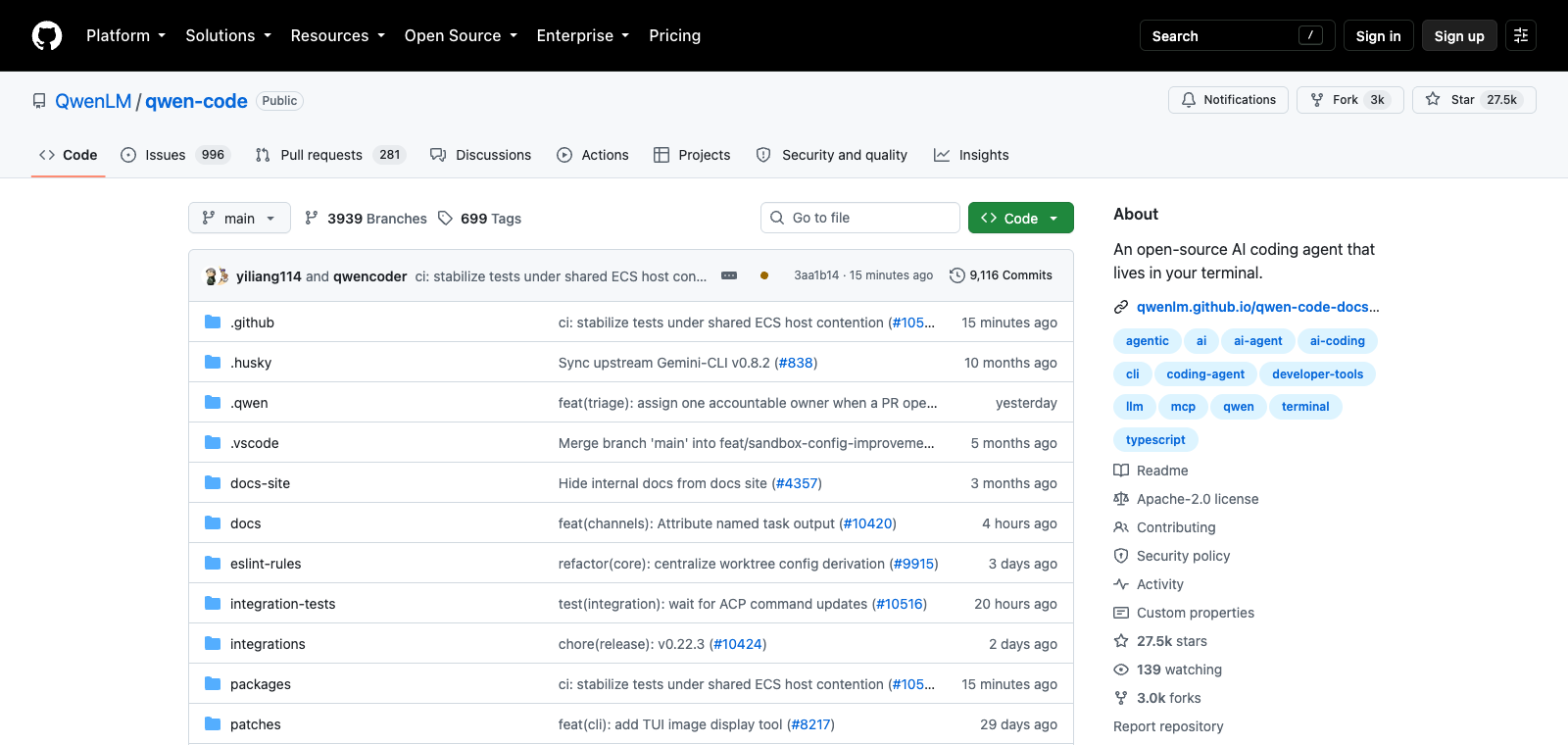
Qwen Code is QwenLM's code project repository on GitHub, providing developers with a direct entry point to access and run Qwen-related code models.
OpenRouter-tokenien käyttöluokitus
#45
Lähteet: OpenRouter
Coding Plan
Coding Pro -mallien alennukset
This product is positioned as an open-source code resource repository, where users obtain project files by cloning with Git or downloading them directly. Its main usage includes deploying, modifying, and testing code locally or on a server. Its core strength is the direct connection to model code under the QwenLM organization, making it easier to track updates and contribute. It is suitable for developers who need to integrate or research Qwen models. Compared with other general-purpose code hosting platforms, it focuses on code implementations for specific models rather than general collaboration.
Yhdellä lauseella
Qwen Code is QwenLM's code project repository on GitHub, providing developers with a direct entry point to access and run Qwen-related code models.
Mihin sitä käytetään
After cloning the repository, users run code examples locally, or modify files and submit a pull request.
Sopii käyttäjille
Developers, engineering teams, and technical leads
Näin se toimii
Typically, context is first read in the IDE, terminal, or project environment, then the Agent plans steps, executes commands, or modifies files, and the user reviews the results.
Tuotetyyppi
Desktop App
Hinnoittelu
Tuntematon
The current enhanced batch dataset does not maintain real-time pricing for this product. Please refer to the official website or official documentation.
APIMaster-integraatio
Tuettu
Run /auth the first time you start Qwen Code, or use the provider / settings configuration in the user config file
Tietojen luotettavuus
Keskitaso
Viimeksi tarkistettu: 2026-09-02
Directly load models such as Qwen2.5-Coder-7B and 32B for local or API-based use
Use the qwen-code command to enter natural language descriptions in the terminal and output corresponding code files or functions
Provides inline code completion and multi-line refactoring suggestions based on Qwen models in supported editors
Covers generation and explanation for mainstream programming languages such as Python, JavaScript, Java, C++, and Go
Supports running Qwen code models locally through Ollama or vLLM without relying on cloud APIs
Enter "Read a CSV with pandas and calculate the average," and directly output a runnable .py file
Sopii käyttäjille:Python developers
Select an existing function and request "Optimize performance and add type annotations" to get the modified code snippet
Sopii käyttäjille:Frontend engineers
After providing function code, request "Generate pytest tests" and output the corresponding test_*.py file
Sopii käyttäjille:Backend test engineers
Paste C++ compilation error messages and request "Locate the problem and provide the fix code" to receive suggested changes
Sopii käyttäjille:Systems programmers
Base URL
https://apimaster.ai/v1API-avaimen ympäristömuuttuja
OPENAI_API_KEY / ANTHROPIC_API_KEY / GEMINI_API_KEY(按所选 provider)Malli
APIMaster-mallitunnuksesiKeskustelujen yhteenveto
Users generally understand Qwen Code as an open-source terminal AI coding CLI tool based on Qwen models, emphasizing its agentic coding capabilities and its competitive positioning against tools such as Claude Code. Discussions mainly focus on how to use natural language for multi-file edits, test execution, and project initialization, as well as its practicality in real development workflows. Users also frequently share their experience, paying attention to stability improvements and integration methods with local and cloud models.
Users discuss Qwen Code's performance in executing complex coding tasks in the terminal, including planning mode, image input support, and differences in performance and suitable scenarios compared with Claude Code.
Users explore how Qwen Code supports inter-agent message passing, persistent memory, and ACP agent lifecycle management, as well as the role of these features in building persistent agent systems.
Users share how to use Qwen Code together with local Qwen models, discussing its advantages in scenarios without API limits and its compatibility with other CLI tools.
Users ask how to use features such as /init to generate project documentation, handle git status prompts, and drive testing and PR workflows through natural language.
Users report CLI smoothness issues encountered during use and suggest that the team prioritize bug fixes and usability improvements rather than quickly adding new features.
We currently classify it under "Programming / Developer," and the page description is based on public information such as the official website and OpenRouter.
The enhanced page for Qwen Code prioritizes displaying the core tasks and use cases that have been collected, helping you quickly judge whether it matches your current needs.
The current information confirms that the product supports third-party keys or custom compatible endpoints, so you can continue verification directly according to the page configuration instructions.
Also in the Programming / Developer category, and can be used for side-by-side comparison of different task entry points and product formats.
Also in the Programming / Developer category, and can be used for side-by-side comparison of different task entry points and product formats.
Also in the Programming / Developer category, and can be used for side-by-side comparison of different task entry points and product formats.
Lähteet:Virallinen verkkosivustoVirallinen dokumentaatioGitHub
Viimeksi tarkistettu: 2026-09-02 · Ilmoita korjauksesta