
Install Hermes Studio and create the first chat
After downloading and installing the client, install the Hermes runtime, create a chat, and view the Agent execution process in real time
Sopii käyttäjille:Individual users
Henkilökohtainen agentti / Tuottavuus
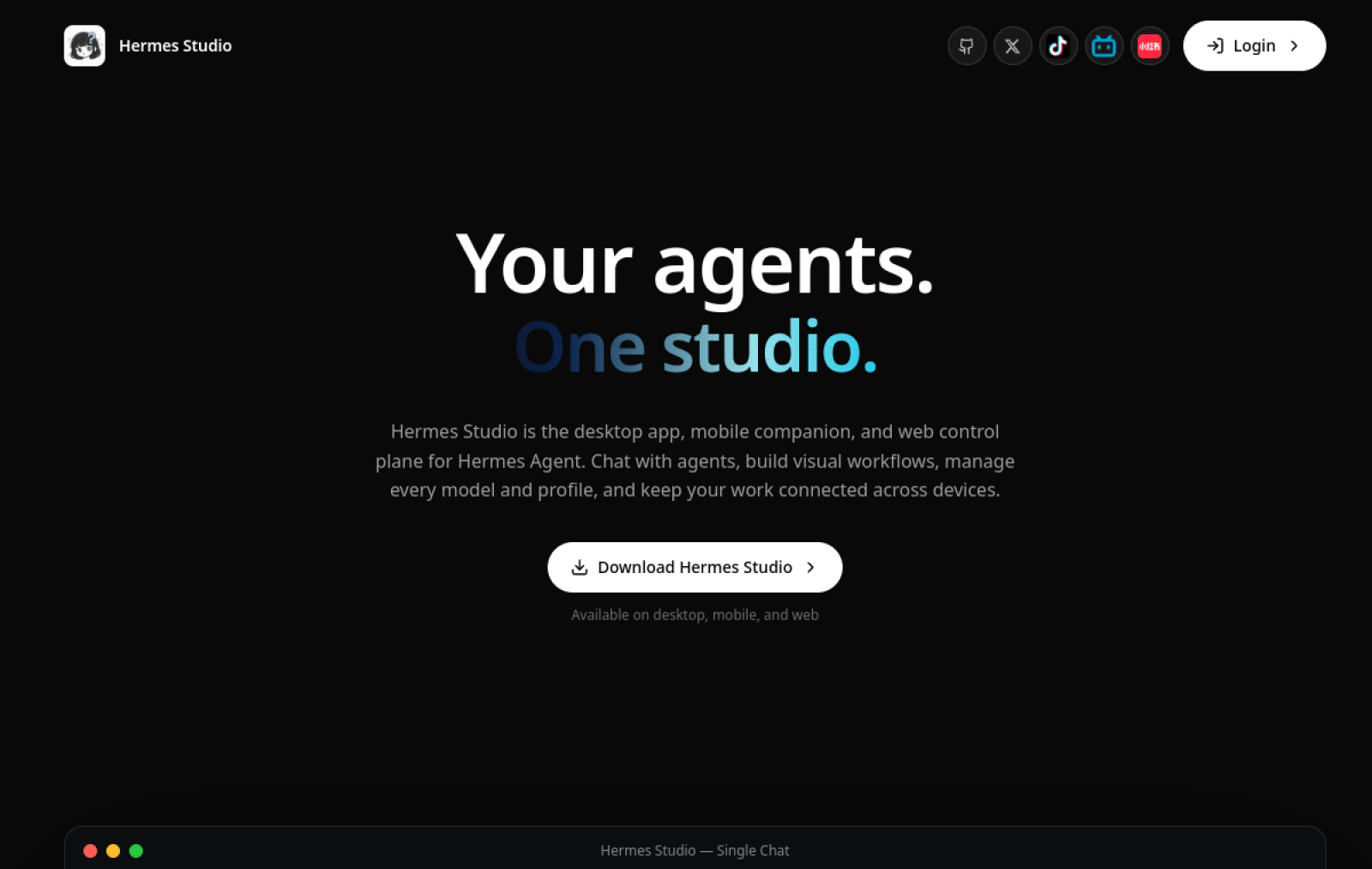
Hermes Web UI is the browser-side interface for Hermes Agent, allowing users to connect to self-hosted servers via web or mobile devices to operate local AI agents.
Sivusto luotu
2026-05-31
OpenRouter-tokenien käyttöluokitus
#79
Lähteet: OpenRouter
Kuukausittaiset yksittäiset kävijät
47,898
Lähteet: SimilarWeb
Coding Plan
Coding Pro -mallien alennukset
Hermes Web UI is positioned as the companion web client for Hermes Agent. Users must first deploy a Hermes Agent server and then connect to local or remote instances through this interface for interaction. It is primarily accessed via browser and supports file uploads, real-time streaming of thinking processes and tool calls, and mid-run intervention. Its core feature is that the client handles only the interface while computation and data remain entirely on the user's own hardware. It suits users who need locally deployed AI agents and wish to avoid cloud dependency. Compared with pure cloud chat tools or closed agent platforms, it emphasizes open-source self-hosting and visible agent execution details.
Yhdellä lauseella
Hermes Web UI is the browser-side interface for Hermes Agent, allowing users to connect to self-hosted servers via web or mobile devices to operate local AI agents.
Mihin sitä käytetään
After connecting to a local Hermes Agent server, users enter instructions, attach files or images in the web interface, then observe the agent's real-time execution and adjust or stop it at any time.
Sopii käyttäjille
Individual productivity users, operations teams, and automation builders
Näin se toimii
Users typically access the product from desktop, browser, or mobile and invoke its built-in capabilities to complete specific tasks.
Tuotetyyppi
AI Application
Hinnoittelu
Tuntematon
Real-time pricing for the current enhanced edition is not maintained for this product; please refer to the official website or documentation.
APIMaster-integraatio
Tuettu
Hermes Web UI model / Provider configuration page
Tietojen luotettavuus
Keskitaso
Viimeksi tarkistettu: 2026-09-02
Supports macOS, Linux, and Windows; install the Hermes Studio client directly without manual terminal configuration
After creating a Hermes chat, display the agent's thinking process, tool calls, and runtime status in real time
Automatically install and switch Hermes environment versions, unify data directories, and support Windows Runtime retry repair
Ekko is managed by Studio, supporting Profile Agent, persistent memory, built-in Skills, and MCP services
Configure 10 platforms including WeChat, Telegram, Discord, and Slack; messages are unified into the local Agent
After downloading and installing the client, install the Hermes runtime, create a chat, and view the Agent execution process in real time
Sopii käyttäjille:Individual users
Add WeChat, Telegram, and other platform accounts in Studio; after scanning the QR code, let the Agent handle messages uniformly
Sopii käyttäjille:Individual users
Turn on Browser Use in Hermes; the Agent automatically generates scripts to complete browser workflows
Sopii käyttäjille:Developers
Add external Skills in the Ekko runtime and view or update persistent memory records
Sopii käyttäjille:Individual users
Base URL
https://apimaster.ai/v1API-avaimen ympäristömuuttuja
APIMASTER_API_KEYMalli
APIMaster-mallitunnuksesiKeskustelujen yhteenveto
Users generally understand Hermes Web UI as the self-hosted web control interface for Hermes Agent, used to remotely manage locally running personal AI Agents via browser or phone to achieve productivity automation. Discussions mainly focus on how to deploy and access the Web UI, extend Agent capabilities to improve daily work efficiency, and the evolution of Agent memory and skills during long-term use.
Users often share steps for deploying the Web UI server via localhost, Tailscale, or Cloudflare tunnels and discuss how to run the Agent on local hardware while controlling it from a phone.
Users compile and recommend extensions such as security verification, search routing, skill factories, and workspace panels, discussing direct integration to enhance the Agent's privacy protection and task automation capabilities.
Users share practical tasks such as research report generation, coding assistance, financial auditing, and schedule management, discussing the long-term experience of using it as a "mini employee".
Users provide feedback on terminal-style interfaces, file management, streaming responses, and discuss Chinese-optimized versions or desktop alternatives to address convenience for multiple sessions and parallel tasks.
Users explore mechanisms such as persistent memory, DAG-structured conversation history, and automatic skill extraction, discussing how the Agent maintains context and self-optimizes across multiple rounds of complex tasks.
We currently classify it under "Personal Agent / Productivity"; page descriptions are based on the official website and public sources such as OpenRouter.
The enhanced edition page of Hermes Web UI prioritizes displaying collected core tasks and use cases to help you quickly determine whether it matches your current needs.
There is currently no reliable source confirming support for third-party keys or custom compatible endpoints, so the page status will show as pending verification.
Belongs to the same Personal Agent / Productivity category and can be used for horizontal comparison of different task entry points and product forms.
Belongs to the same Personal Agent / Productivity category and can be used for horizontal comparison of different task entry points and product forms.
Belongs to the same Personal Agent / Productivity category and can be used for horizontal comparison of different task entry points and product forms.
Lähteet:Virallinen verkkosivusto
Viimeksi tarkistettu: 2026-09-02 · Ilmoita korjauksesta